Key takeaways
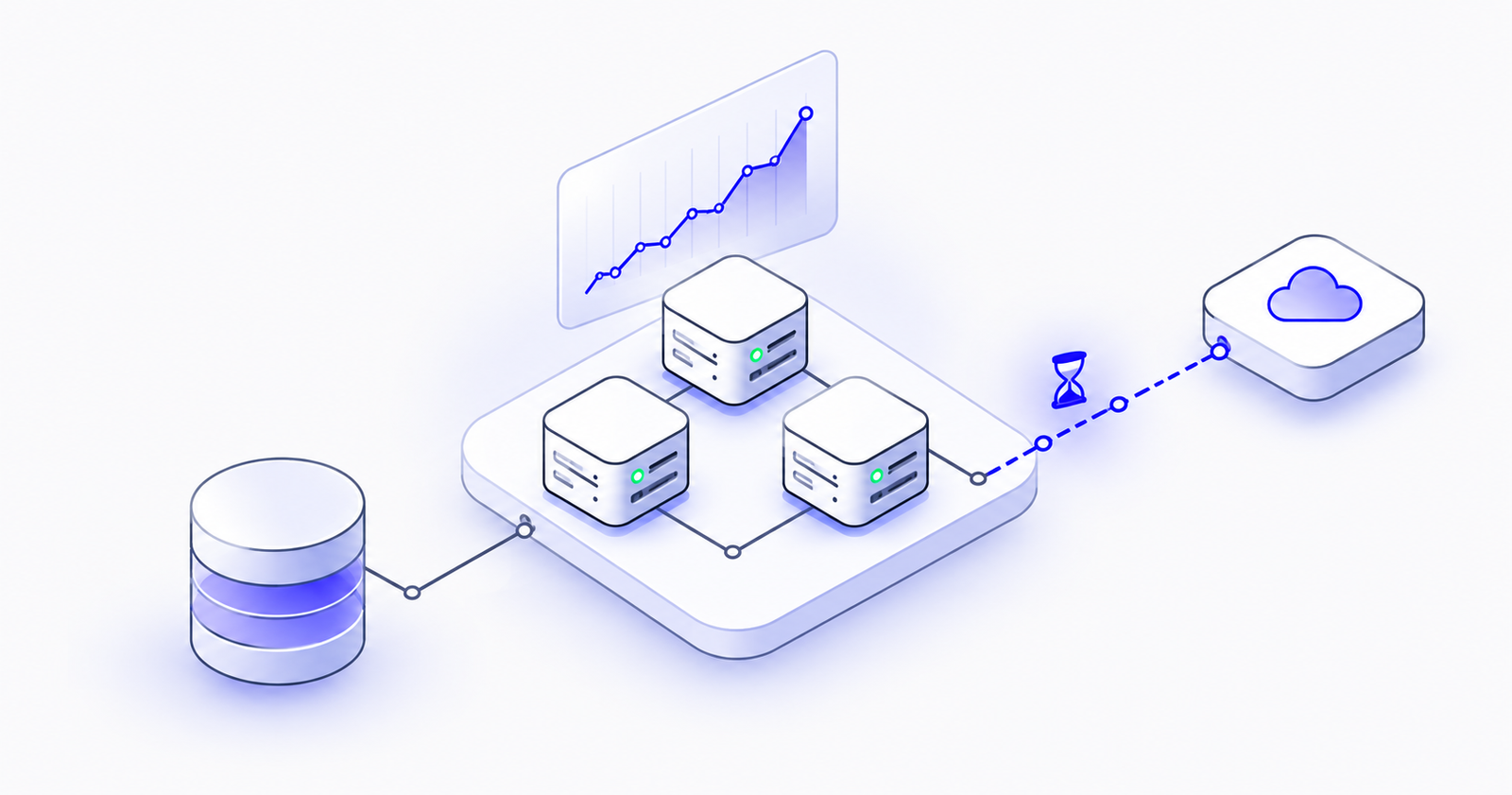
- A fast server does not guarantee a fast website, because page load time depends heavily on the distance between the server and the visitor.
- Every page loads dozens of files, and each one makes a round trip, so a 200 ms delay per trip can add up to several seconds for distant visitors.
- A CDN stores copies of your files in edge locations around the world, so visitors are served from nearby instead of from your origin server.
- Caching static files at the edge cuts load on your servers, absorbs traffic spikes and adds a natural place to attach a WAF.
- Never cache personalised pages such as carts or account dashboards, and make sure your origin accepts traffic only through the CDN.
Fast server, slow website
It’s one of the most common complaints we hear: “We upgraded the server, and the website is still slow.”
The monitoring dashboards look healthy. CPU usage is low, memory is fine, and the server responds to requests in a fraction of a second. Yet customers in other cities and countries say the site takes forever to load, and page speed tools give it a poor score.
Both observations are true. The server is fast. The website is slow. The gap between them is something no amount of extra CPU can fix.
Your server is only one part of the journey
When someone opens your website, their browser doesn’t make one request. It makes dozens: the page itself, stylesheets, scripts, fonts, icons and often 20 to 50 images.
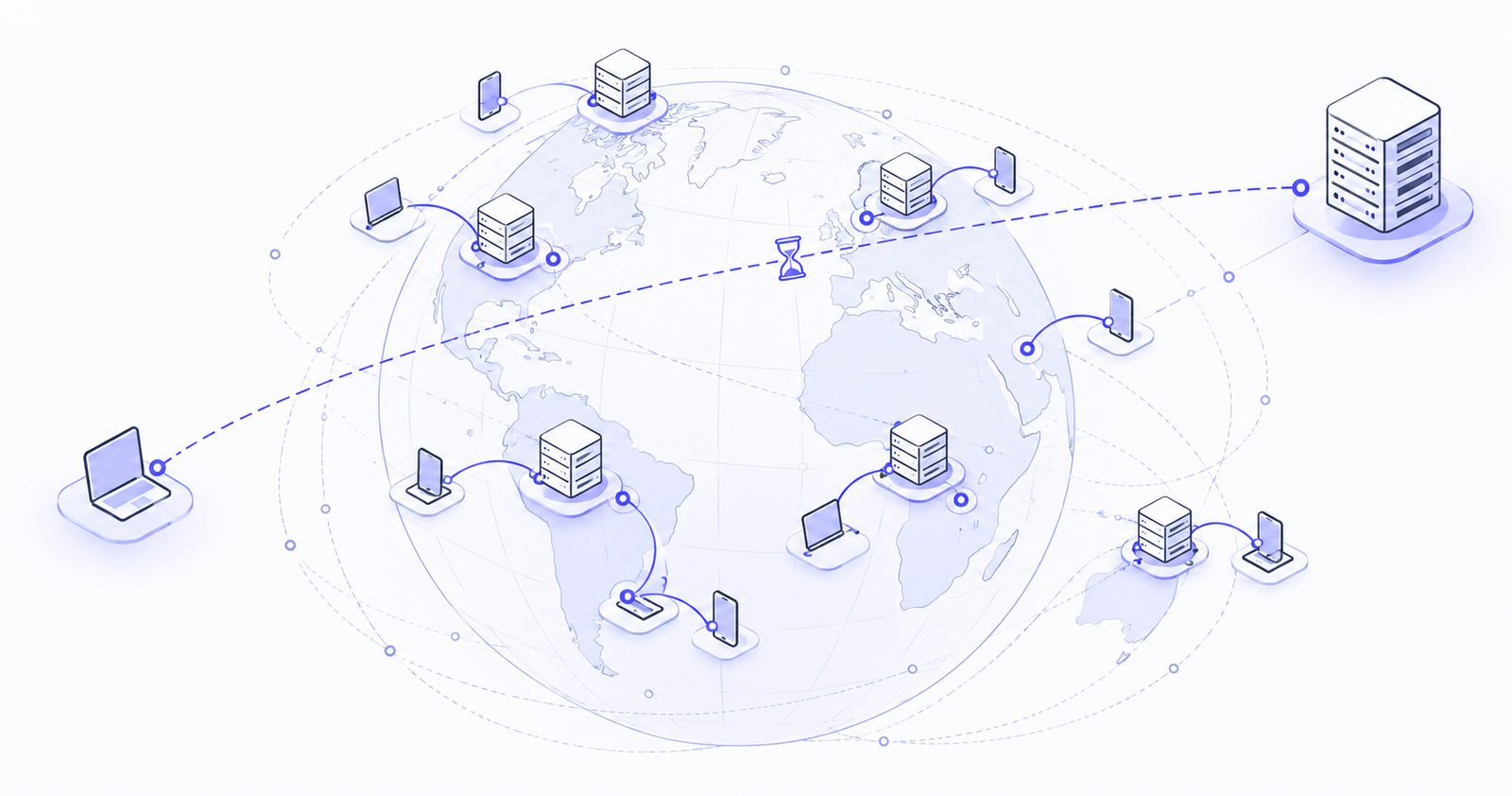
Every one of those files has to travel from your server to the visitor’s device. If your server is in Mumbai and your visitor is in London or New York, each file crosses thousands of kilometres of undersea cable, and the browser has to wait for each round trip.
Distance is the problem you can’t upgrade away
Data travels through fibre-optic cable fast, but not instantly. A single round trip from Mumbai to the east coast of the United States takes roughly 200 milliseconds just in travel time, before the server does any work at all.
That sounds small until you multiply it. Setting up a secure connection takes several round trips. Loading dozens of files takes more. A server that answers every request in 50 milliseconds can still produce a page that takes three to five seconds to appear for a distant visitor.
The server isn’t slow. It’s far away. A bigger machine in the same location doesn’t make the cable any shorter.
Other things that quietly slow a site down
Oversized images. A single uncompressed banner image can be several megabytes and slow to load from any distance.
No caching. If the server rebuilds the same page and resends the same files for every visitor, it does the same work thousands of times over.
Traffic spikes. A sale, a campaign or a news mention can send more visitors to a single server than it was sized for, right when performance matters most.
What a CDN actually does
A Content Delivery Network (CDN) is a network of servers placed in cities around the world, called edge locations. A CDN keeps copies of your website’s files close to your visitors, so the files don’t travel all the way from your main server every time.
A visitor in London is served from a London edge location. A visitor in Singapore is served from Singapore. The long trip back to your server happens rarely instead of on every request.
How it works in practice
The first time someone in a region asks for a file, such as your logo, the nearby edge location doesn’t have it yet. It fetches the file from your server once and keeps a copy. Every visitor in that region after that gets the copy from the edge, a few kilometres away instead of a few thousand.
For static content like images, stylesheets and scripts, the large majority of requests can be answered by the CDN without ever reaching your server.
What you gain
Faster pages everywhere. Visitors get content from nearby, wherever they are.
Less load on your servers. With most requests handled at the edge, your servers have more room for the work only they can do, such as logins, checkouts and database queries. Often that means you can run smaller, cheaper servers.
Steadier performance during spikes. The CDN absorbs surges in traffic that would otherwise land on a single machine.
Built-in optimisation. Most CDNs compress files automatically, support modern, faster web protocols and can convert images to lighter formats.
A security layer too. The edge is also the natural place to filter attacks. In our reference architecture, CloudFront sits alongside AWS WAF and Shield, so the same layer that speeds up your site also protects it. We covered this in our previous post on where a WAF fits in.
Where teams go wrong
Caching nothing. If your files tell the CDN not to keep copies, every request still travels back to your server, and the CDN adds little value.
Caching everything. Pages that are personal to each user, like shopping carts and account dashboards, must never be cached. Get this wrong and one customer can see another customer’s information.
Forgetting about updates. Without a plan for replacing cached files, visitors can keep seeing an old version of your site after you release changes. Versioned file names solve this cleanly.
Leaving the main server exposed. Your server should accept traffic only through the CDN, so nobody can go around it, whether to bypass caching or your security rules.
Available on every major cloud
AWS offers Amazon CloudFront, Microsoft Azure offers Azure Front Door, and Google Cloud offers Cloud CDN. Each one connects directly to your existing storage, load balancers and servers on that platform, and each one can be set up without changing your application code.
A fast server answers quickly. A CDN delivers quickly.
When your customers are spread across cities and countries, distance matters more than processing power. Upgrading the server makes the answer faster, but a CDN brings the answer closer to the people asking for it.
If your site is slow for some of your visitors and you aren’t sure why, our team can review your setup with you, measure where the time is actually going, and show you what would make the biggest difference.