Key takeaways
- Layer 7 load balancers route HTTP and HTTPS traffic by URL, host or header. Layer 4 load balancers route TCP and UDP traffic by IP address and port.
- AWS offers four load balancer types: Application, Network, Gateway and the legacy Classic Load Balancer.
- Azure's main options are Azure Load Balancer, Application Gateway, Azure Front Door and Traffic Manager.
- Google Cloud groups its load balancers into Application Load Balancers and Network Load Balancers, and the Network type comes in proxy and passthrough versions.
- Choose by traffic type, internet or internal clients, single or multiple regions, and whether you need features such as a web application firewall.
Why the load balancer choice matters
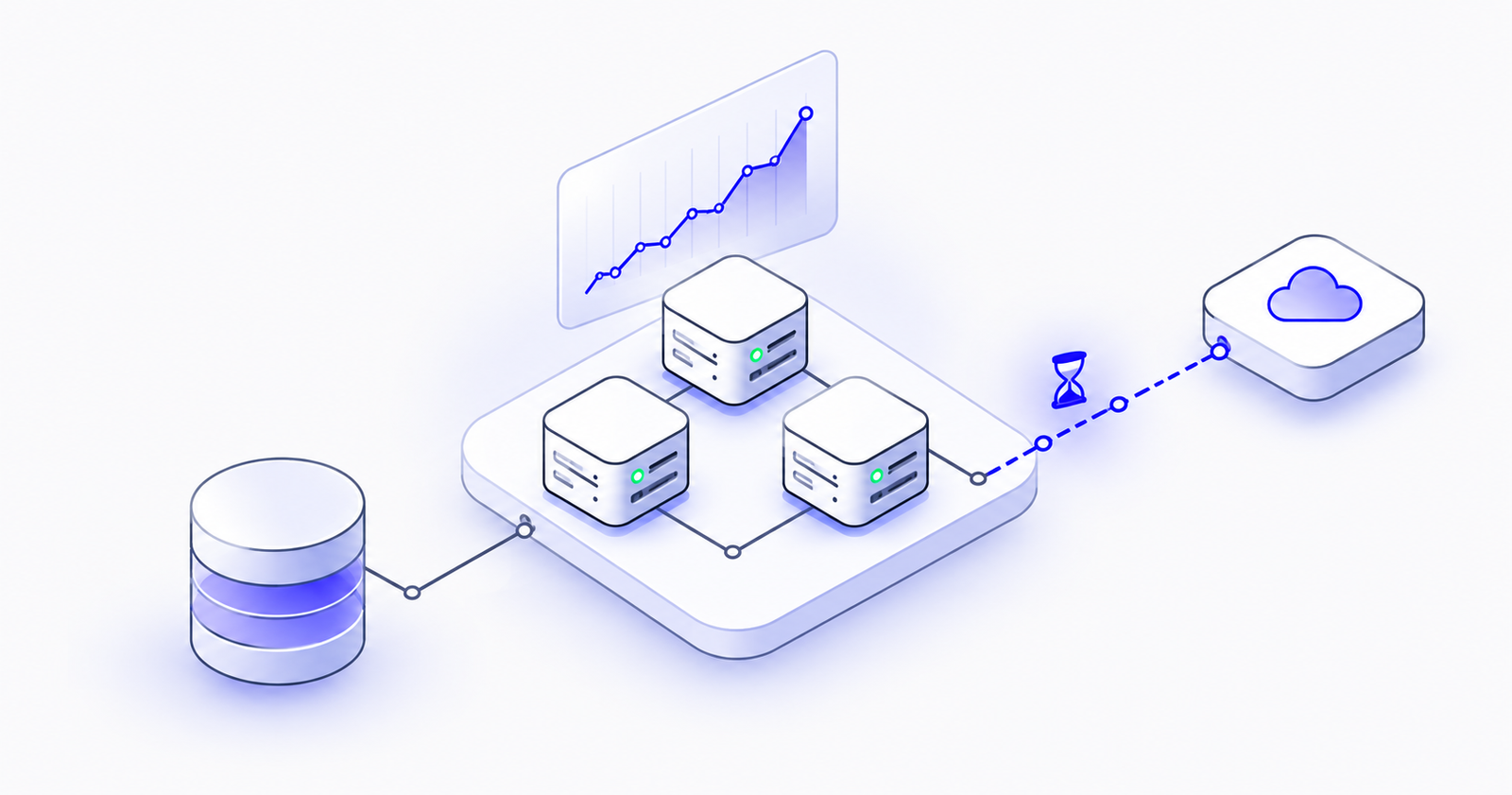
A load balancer spreads incoming traffic across multiple servers so that no single server is overwhelmed and a failed server doesn't take the application down.
Every major cloud offers several types, and they are not interchangeable. Pick the wrong one and you may lose path-based routing, break a UDP-based service, lose the client's real IP address, or pay for features you don't use.
The good news is that all three clouds are built on the same few ideas. Learn those and every provider's product list becomes much easier to read.
Four ideas that explain every load balancer
1. Layer 7 vs. Layer 4
- Layer 7 (application layer): understands HTTP and HTTPS. It can route by URL path (/api), hostname (shop.example.com) or headers, terminate TLS certificates, and work with a web application firewall (WAF). Use it for websites and APIs.
- Layer 4 (transport layer): routes TCP and UDP traffic by IP address and port, without reading the content. It's very fast and works for any protocol, such as databases, gaming, VoIP and IoT.
2. Proxy vs. passthrough
- A proxy load balancer ends the client's connection and opens a new one to the server. This makes advanced features possible, but the server sees the load balancer's IP address instead of the client's, unless the IP is forwarded in a header or protocol.
- A passthrough load balancer forwards packets as they are, so the server sees the real client IP address.
3. External vs. internal
- External load balancers accept traffic from the internet.
- Internal load balancers serve traffic only inside your private network, for example between microservices.
4. Regional vs. global
- A regional load balancer serves backends in one region.
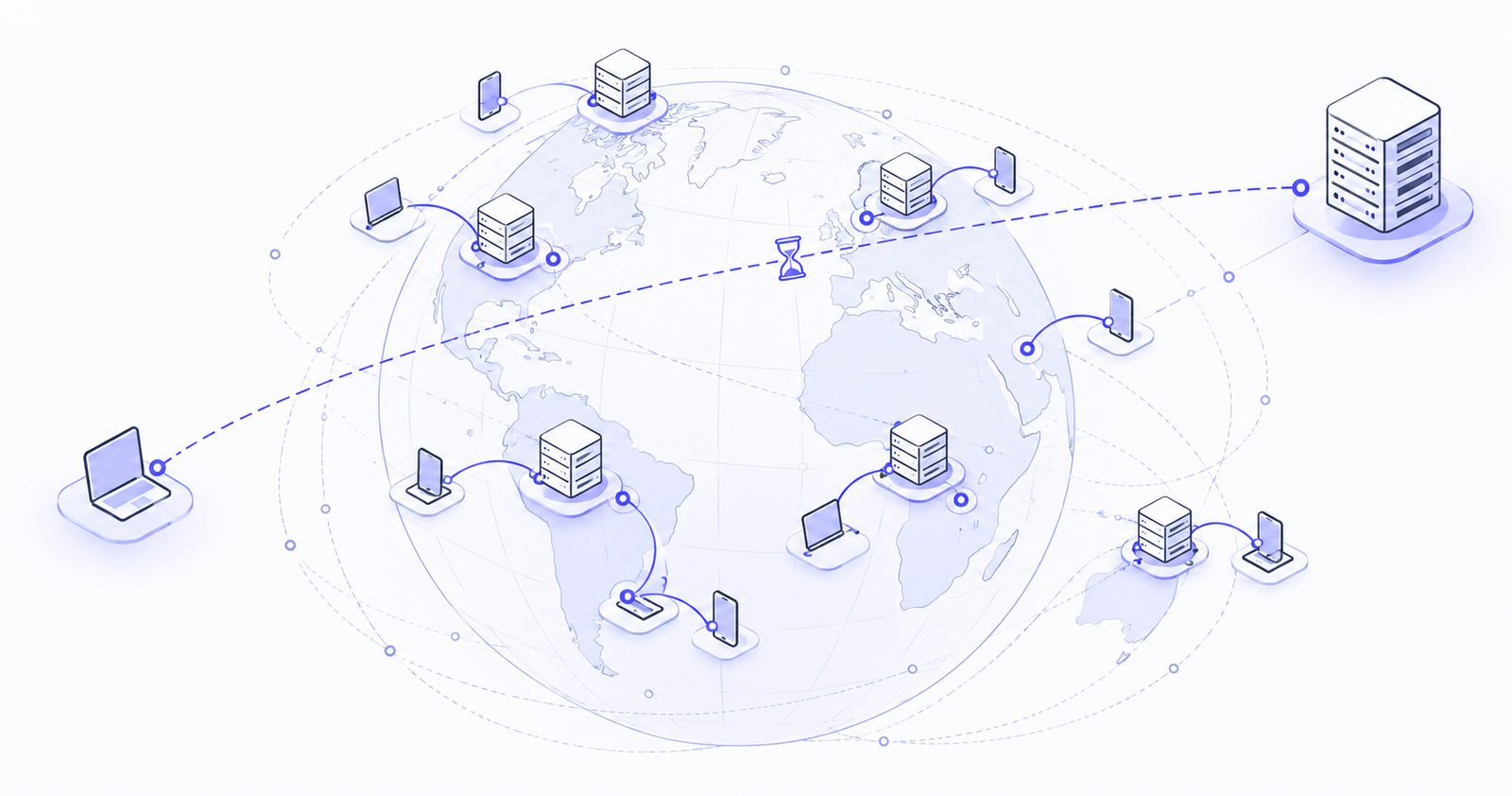
- A global load balancer gives users a single entry point and sends each user to the nearest healthy region.
AWS: four types under Elastic Load Balancing
- Application Load Balancer (ALB): Layer 7 for HTTP, HTTPS and gRPC. It supports path- and host-based routing and integrates with AWS WAF. This is the default choice for web apps, APIs and containers.
- Network Load Balancer (NLB): Layer 4 for TCP, UDP and TLS. It offers very high performance and static IP addresses, and it can preserve the client IP address. Use it for non-HTTP services or when you need fixed IPs.
- Gateway Load Balancer (GWLB): distributes traffic to third-party virtual appliances such as firewalls and intrusion detection systems, so they can inspect traffic transparently.
- Classic Load Balancer: the previous-generation option. Keep it only for older workloads, and plan a move to ALB or NLB.
For global routing across regions, AWS combines these load balancers with Amazon Route 53 (DNS-based routing) or AWS Global Accelerator.
Azure: four main services
- Azure Load Balancer: Layer 4 for TCP and UDP, public or internal. Use the Standard SKU, because the Basic SKU was retired on September 30, 2025. A Gateway SKU chains network virtual appliances such as firewalls, and a global tier spreads traffic across regions.
- Azure Application Gateway: a regional Layer 7 load balancer with URL-based routing, TLS termination and an optional Web Application Firewall. Use it for web apps in a single region.
- Azure Front Door: a global Layer 7 entry point with content delivery (CDN) and WAF built in. Use it for internet-facing web apps across multiple regions.
- Azure Traffic Manager: a DNS-based service that sends users to different endpoints or regions by priority, performance or geography. It routes DNS answers, not the traffic itself.
Google Cloud: two families, three kinds
Google Cloud groups its load balancers into Application Load Balancers and Network Load Balancers:
- Application Load Balancer: Layer 7, proxy-based, for HTTP and HTTPS. It comes in external and internal versions, regional or global, and works with Cloud CDN and Cloud Armor (WAF and DDoS protection). The global external version gives you one anycast IP address for users worldwide.
- Proxy Network Load Balancer: Layer 4 for TCP, with optional SSL offload. Use it for non-HTTP TCP services that need proxy features or backends in several regions.
- Passthrough Network Load Balancer: Layer 4 without a proxy. It preserves the client IP address and supports TCP, UDP, ESP and ICMP. Use it when your servers need the original client connection.
Each kind is available as external or internal, and several come in regional or global versions.
Matching use cases across the three clouds
Websites and APIs in one region
- AWS: Application Load Balancer
- Azure: Application Gateway
- Google Cloud: regional external Application Load Balancer
Global web applications
- AWS: ALB with Route 53 or Global Accelerator (CloudFront can add caching at the edge)
- Azure: Front Door
- Google Cloud: global external Application Load Balancer
High-performance TCP or UDP
- AWS: Network Load Balancer
- Azure: Azure Load Balancer (Standard)
- Google Cloud: passthrough Network Load Balancer
Internal microservices
- AWS: internal ALB or NLB
- Azure: internal Azure Load Balancer or Application Gateway
- Google Cloud: internal Application or Network Load Balancer
Firewall and security appliances
- AWS: Gateway Load Balancer
- Azure: Gateway Load Balancer SKU
- Google Cloud: passthrough Network Load Balancer, or Network Security Integration
DNS-based failover
- AWS: Route 53
- Azure: Traffic Manager
- Google Cloud: Cloud DNS routing policies
How to choose in five questions
- Is the traffic HTTP or HTTPS? If yes, start with a Layer 7 load balancer. If not, use Layer 4.
- Who are the clients? Internet users need an external load balancer, and internal services need an internal one.
- One region or many? Stay regional unless you need global failover or users across continents.
- Do the servers need the real client IP address? Use passthrough, or a proxy that forwards the IP in a header (such as X-Forwarded-For) or via Proxy Protocol.
- Do you need a WAF, a CDN or TLS termination? Choose a Layer 7 service that supports them.
Common mistakes to avoid
- Using Layer 4 for websites: you lose path routing, WAF integration and easy certificate management.
- Using Layer 7 for non-HTTP traffic: UDP or custom TCP protocols won't work through it.
- Staying on legacy types: plan migrations away from AWS Classic Load Balancers and Azure Basic SKUs.
- Exposing servers directly: keep backends private and let the load balancer be the only public entry point.
- Ignoring cost: each type is billed differently, so compare pricing for your expected traffic before choosing.
Conclusion
Every major cloud offers load balancers for the same core jobs: Layer 7 for web traffic, Layer 4 for everything else, plus options for internal, global and security-appliance traffic. Understand the ideas behind them, and choosing on any cloud becomes a matter of matching your traffic to the right type.
Not sure which load balancer fits your architecture? The Pentafox Cloud team helps businesses design scalable, secure networks on AWS, Azure and Google Cloud. Get in touch for an architecture review.