Key takeaways
- A secure server does not mean a secure website: most attacks arrive as normal HTTPS traffic on the port you must leave open.
- A WAF inspects each web request and blocks attacks such as SQL injection, cross-site scripting, file probing and password guessing before they reach your application.
- Virtual patching lets a WAF rule block a newly announced vulnerability within minutes, while the real fix is tested and deployed.
- A WAF only works if it is the only way in, so the origin server must accept traffic only from the WAF and CDN layer.
- AWS WAF, Azure WAF and Google Cloud Armor all include managed rule sets, so you can protect a site from day one without writing custom rules.
Most teams we work with have done the server basics well. The operating system is patched. Remote login is restricted. Unused ports are closed, and the firewall only allows web traffic on port 443. On paper, the server is secure.
Then the logs show something like this: thousands of login attempts in an hour, search boxes filled with database commands, and requests for files like /.env and /.git/config that should never be public.
None of this traffic broke through the firewall. All of it was allowed in.
The door you have to leave open
A traditional firewall decides who can connect to your server and on which port. To run a public website, you have to let everyone in on port 443. From then on, that firewall can’t tell visitors apart.
A customer loading your homepage, a bot guessing passwords on your login page, and a scanner looking for your configuration files all arrive the same way: as ordinary, encrypted web traffic on an allowed port. The server accepts all of them and passes them to your application.
At that point your application code is the only thing deciding what is safe. Every form field, search box, API endpoint and login page has to defend itself perfectly. One missed check is enough.
Server security and application security are different layers
Server security protects the machine: the operating system, open ports, remote access and installed software. Application security protects what the website does with each request, such as what it reads from a form, what it sends to the database and what it returns to the browser.
Most attacks on websites today never touch the server’s operating system. They target the application, through the same front door your customers use. That is the gap a Web Application Firewall is built to close.
What a WAF actually does
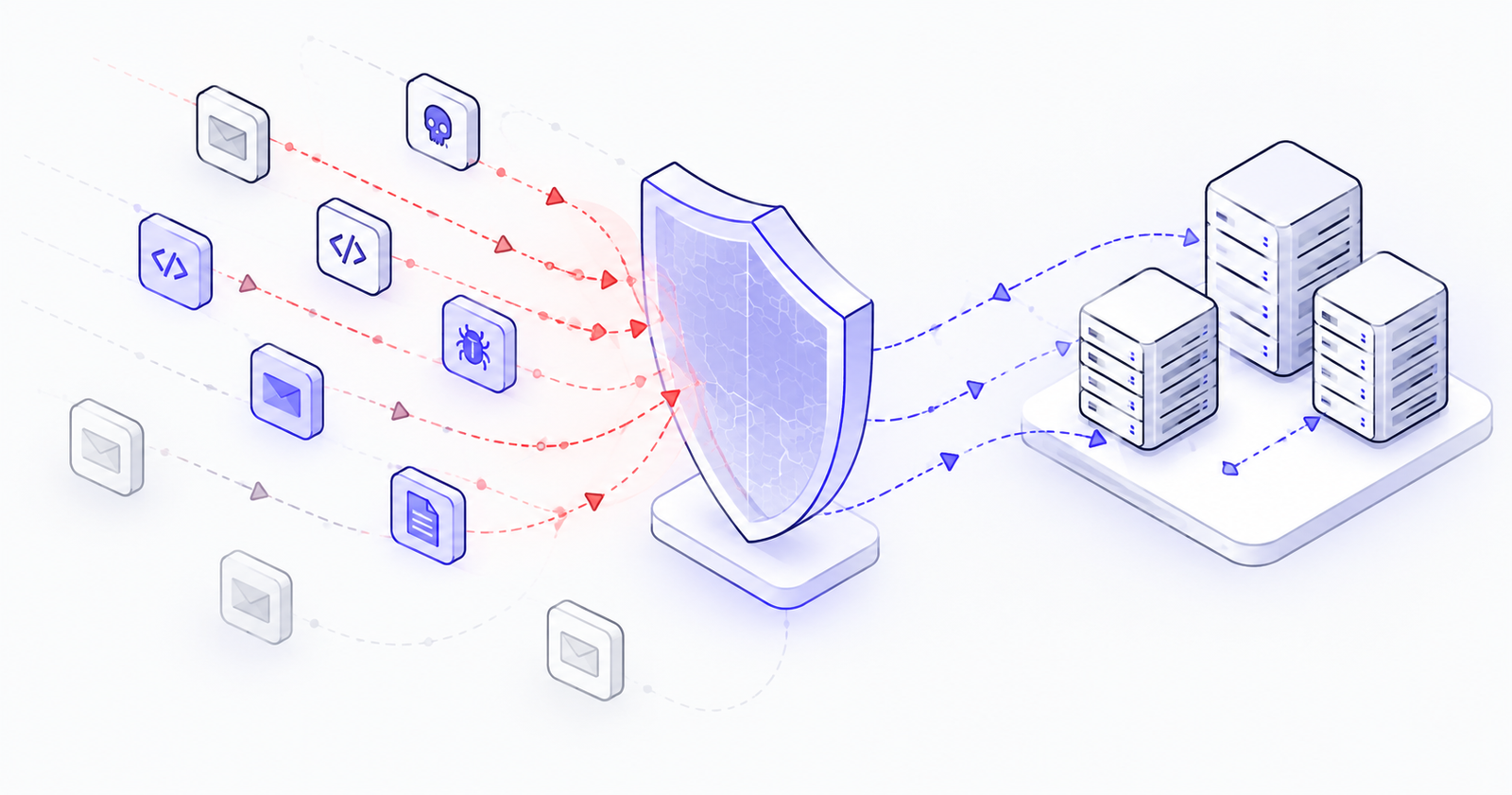
A Web Application Firewall (WAF) sits in front of your website and inspects every request before your application sees it. A traditional firewall only checks where traffic comes from. A WAF reads the request itself: the address being requested, the headers, the form data and the cookies.
If a request looks like an attack, the WAF blocks it, challenges it or logs it. Your application never has to deal with it.
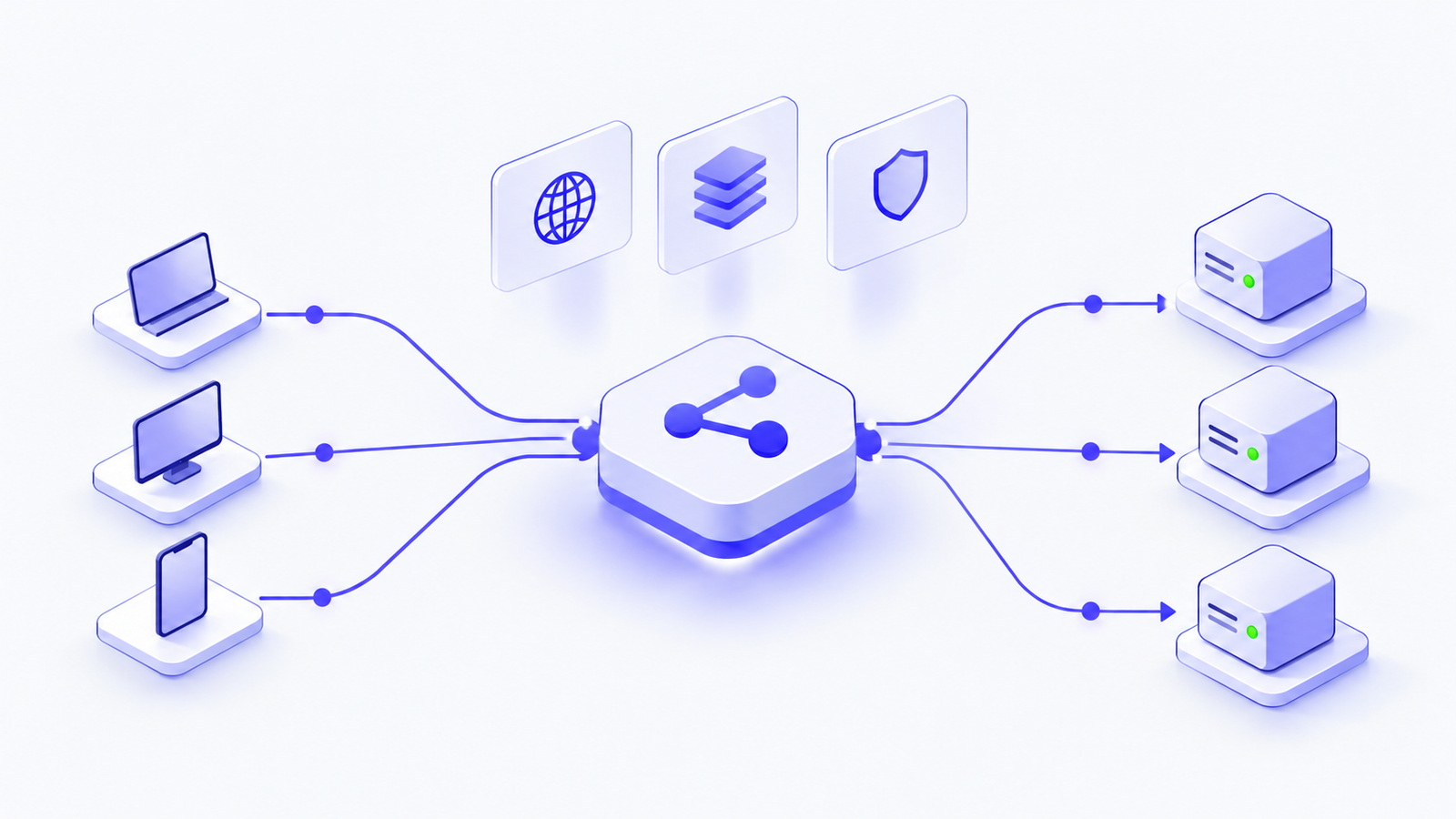
In our reference architecture, the WAF sits at the edge, alongside the CDN. Malicious traffic is stopped before it reaches the load balancer, let alone the servers behind it.
What it stops
Injection attacks. Requests that try to slip database commands or scripts into forms, search boxes and URLs. These are long-standing and very common ways to steal data from a website.
Probing for sensitive files. The same scans we described in our earlier post on bots hunting for .env files. A WAF can block requests for configuration files, backups and version-control folders outright, even if a misconfigured server would have served them.
Password guessing and credential stuffing. Rate limits on login pages stop bots from trying thousands of username and password combinations.
Bad bots and scrapers. Traffic from known malicious IP addresses and automated tools can be filtered out before it uses your server capacity.
Floods of fake traffic. Large volumes of legitimate-looking requests designed to overwhelm your application can be throttled at the edge.
Virtual patching: buying time when it matters
When a serious vulnerability is announced in a framework or plugin you use, the real fix still needs testing and a deployment window. That can take days.
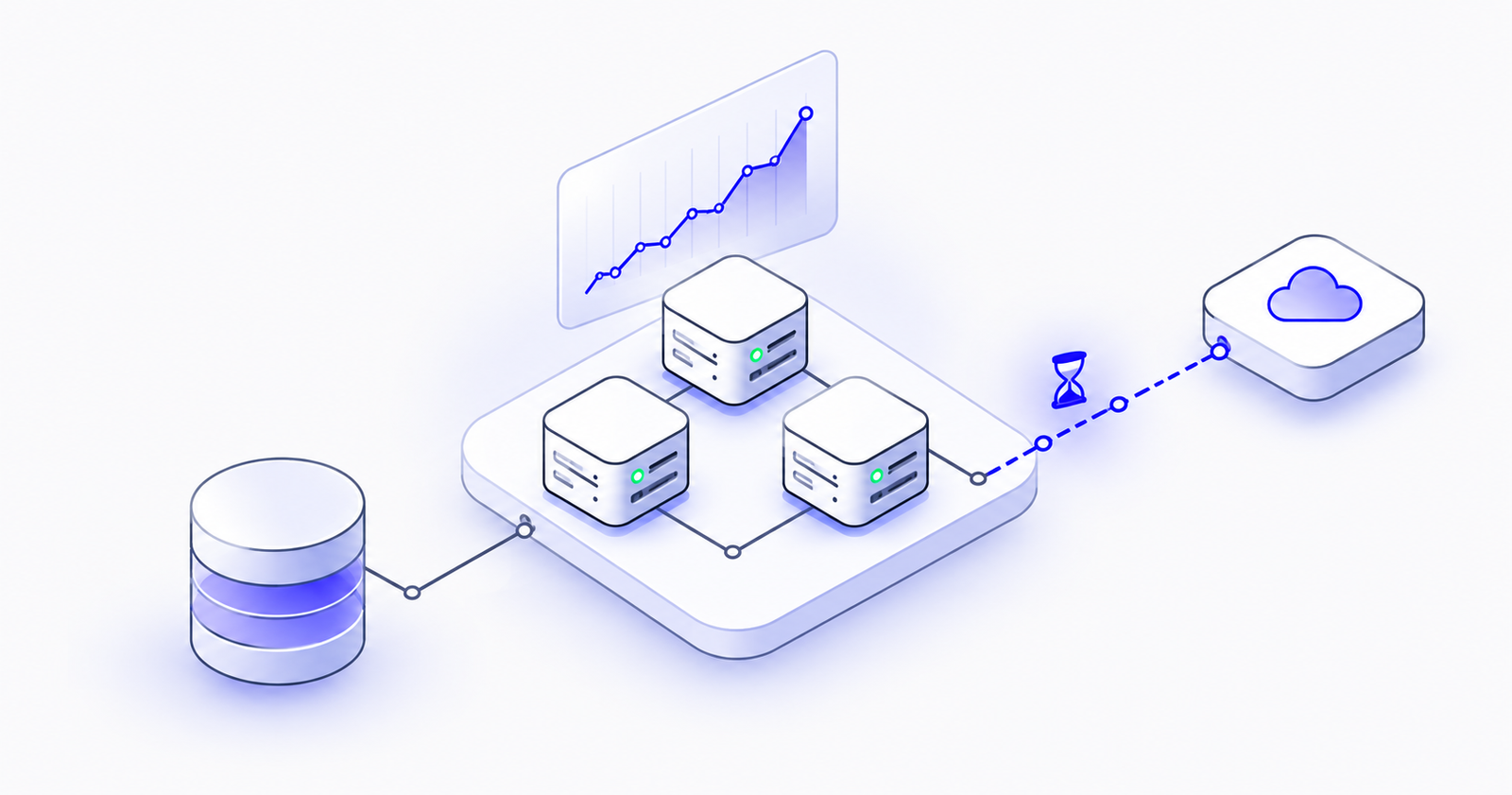
A WAF rule that blocks the specific attack pattern can usually go live in minutes. The vulnerability is still there, but attackers can’t reach it while your team patches it properly. For many businesses, this is the single most valuable thing a WAF provides.
What a WAF won’t do
A WAF is a strong layer, not a complete solution. It won’t fix flaws in how your application handles logins or permissions. It won’t catch every attack, and it needs regular tuning. Rules that are too strict can block real customers, which is why we always run new rules in monitoring mode first and switch them to blocking once we know what they would catch.
A WAF also has to be the only way in. If your server still accepts traffic directly from the internet, attackers can skip the WAF entirely. The server should accept traffic only from the WAF and CDN layer in front of it.
Available on every major cloud
You don’t need specialist hardware. AWS WAF works with CloudFront, Application Load Balancers and API Gateway. Microsoft Azure offers WAF on Application Gateway and Front Door. Google Cloud provides Cloud Armor. All three include managed rule sets that cover the most common attacks from day one.
Secure the machine, and secure what it serves
A secure server keeps attackers out of your infrastructure. A WAF keeps them out of your application. Attackers don’t pick one layer or the other, so neither should your defences.
If you aren’t sure what is reaching your application today, or whether your server can be reached without going through any protection at all, our team can review your environment with you and show you exactly where you stand.