Key takeaways
- Risky releases come from deploying everything to everyone at once with no fast way back, not from the day of the week.
- Rolling, blue/green, canary and linear deployments limit how many users a bad release can affect.
- CloudWatch alarms can trigger automatic rollback, so a failing release is reversed before a human even logs in.
- Amazon ECS has built-in blue/green, linear and canary deployments, alongside rolling updates with a deployment circuit breaker.
- Feature flags separate deploying code from releasing features, so you can switch a feature off without redeploying.
Why "never deploy on Friday" exists
Every engineering team has heard it: don't deploy on Friday. The reasoning is understandable. If a release breaks something late on a Friday, the team spends the weekend fixing it.
But the rule hides the real problem. Friday isn't dangerous. Deploying without a safety net is. A risky release usually has three things in common:
- Big bang: the new version replaces the old one for every user at once.
- Slow detection: nobody notices a problem until customers complain.
- Slow rollback: going back means another full deployment, under pressure.
Fix those three, and a Friday release becomes as routine as any other day's.
Four ways to roll out a new version
1. Rolling update
The new version replaces the old one a few instances or tasks at a time.
- Pros: simple, needs little extra capacity, and is the default on many services.
- Cons: old and new versions run side by side during the rollout, and rolling back means rolling forward again with the previous version.
2. Blue/green deployment
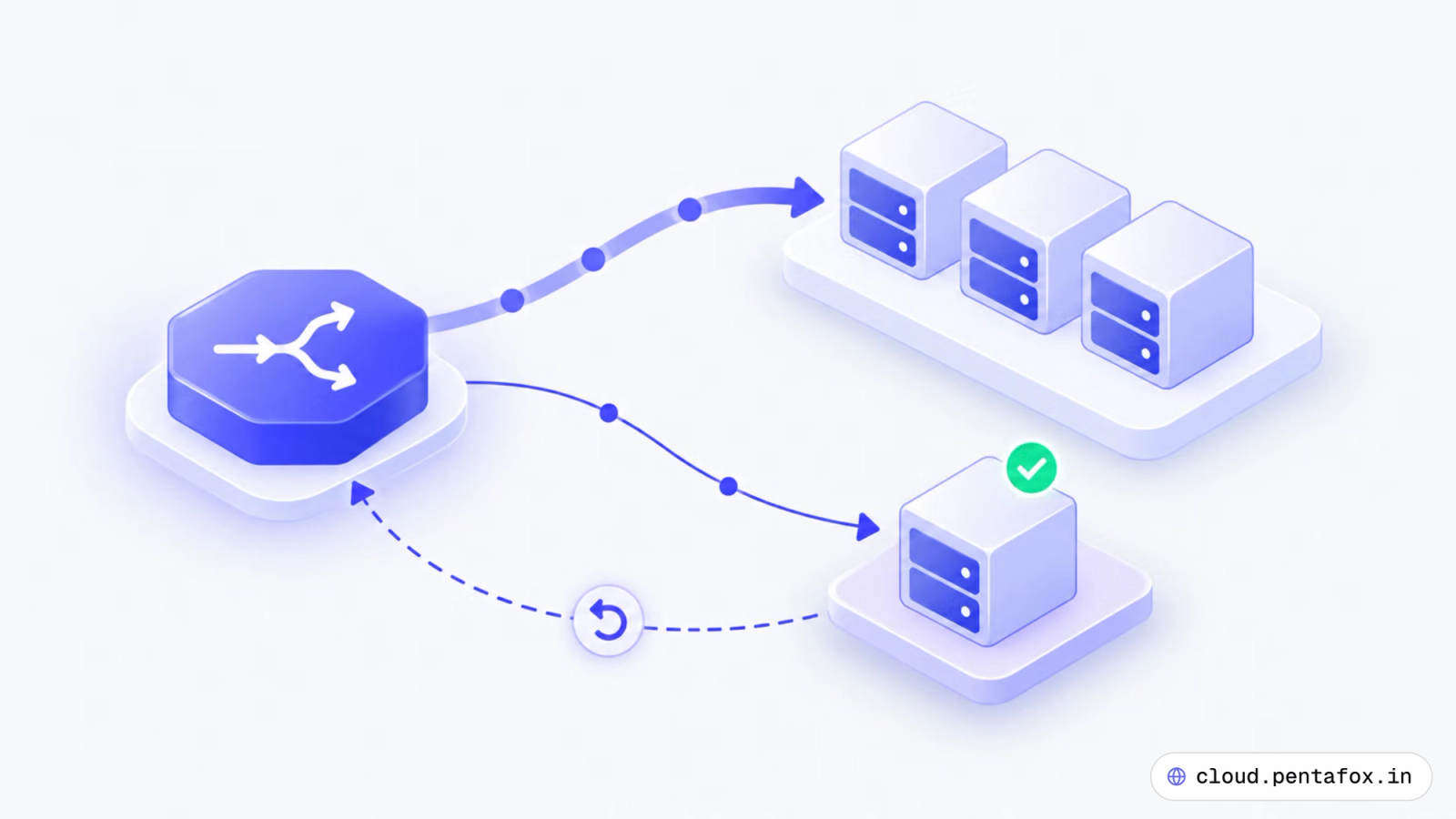
The new version (green) is deployed alongside the current one (blue). Once green is healthy, traffic switches over in one step. Blue stays available, so rollback is just switching traffic back.
- Pros: very fast rollback, and the new version can be tested before users reach it.
- Cons: needs roughly double the capacity during the deployment.
3. Canary deployment
A small percentage of real traffic, for example 10 percent, goes to the new version first. If it behaves well during a waiting period called the bake time, the rest of the traffic follows.
- Pros: problems affect only a small slice of users.
- Cons: needs good monitoring to spot problems within that small slice.
4. Linear deployment
Traffic moves to the new version in equal steps over time, for example 10 percent every few minutes, with checks between steps.
- Pros: gradual and controlled, which suits high-traffic services.
- Cons: the full rollout takes longer.
Automatic rollback: let alarms make the call
The fastest rollback is the one that happens without anyone being paged. On AWS, you connect deployments to Amazon CloudWatch alarms that watch what users experience:
- Error rate: for example, HTTP 5XX responses from the load balancer
- Latency: for example, target response time
- Business signals: for example, failed checkouts, published as a custom metric
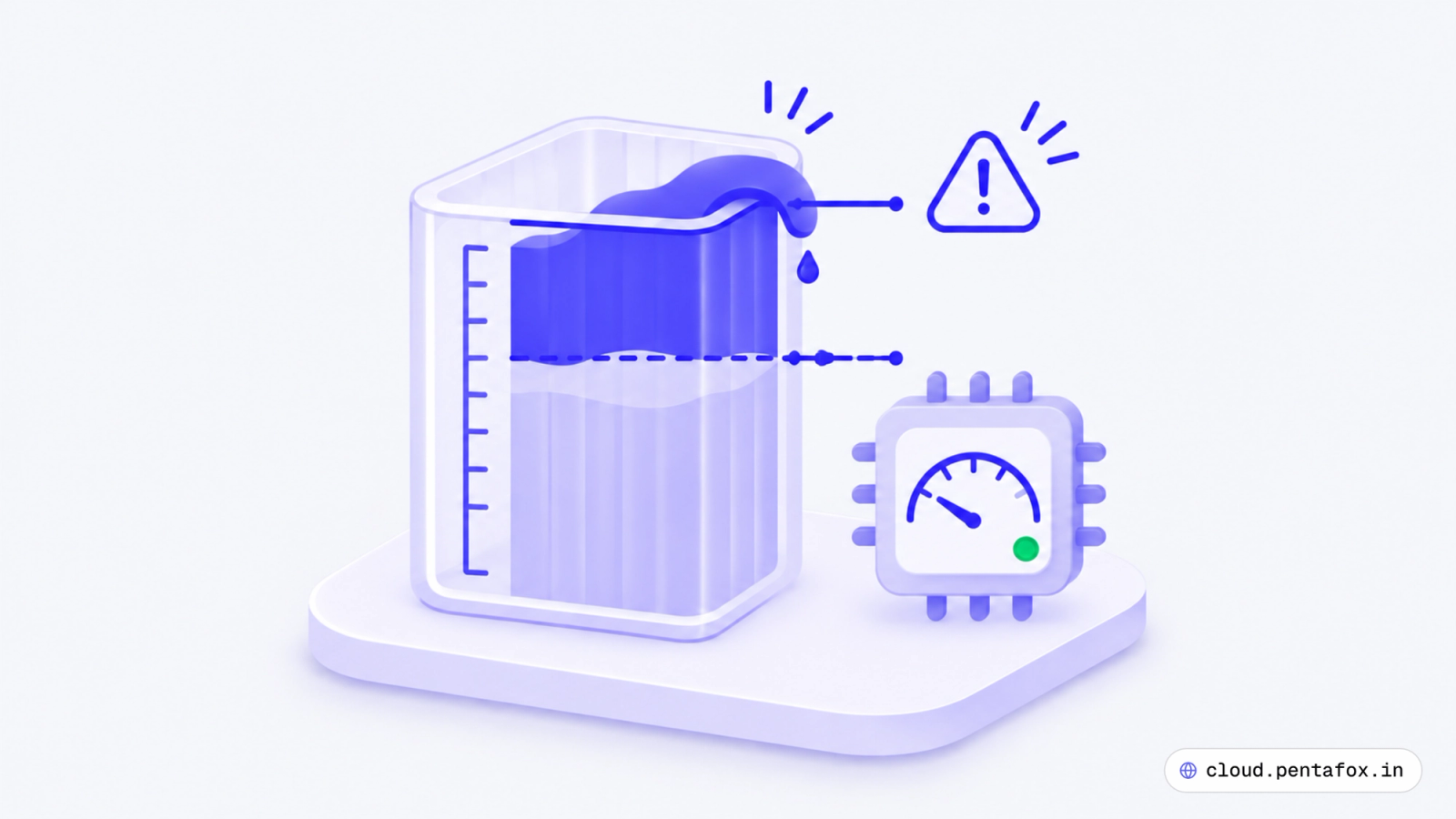
If an alarm goes off during the deployment or bake time, the deployment stops and traffic returns to the previous version automatically.
To make this work well:
- Alarm on user impact, not on CPU usage.
- Make bake time long enough to catch slow-building problems such as memory leaks.
- Test the rollback itself in a non-production environment.
Deployment options on AWS
Amazon ECS
- Rolling updates with the deployment circuit breaker, which detects tasks that fail to start or stay healthy and can roll back automatically.
- Built-in blue/green, linear and canary deployments. ECS now runs these natively, without needing AWS CodeDeploy. They include bake time, lifecycle hooks for custom checks such as smoke tests, and rollback triggered by CloudWatch alarms. They work with services behind an Application Load Balancer or using ECS Service Connect, and blue/green also supports Network Load Balancers.
- AWS CodeDeploy blue/green for ECS is still available for teams already using it.
Amazon EC2
- AWS CodeDeploy supports in-place and blue/green deployments for EC2 instances, with automatic rollback on failure or on CloudWatch alarms.
- EC2 Auto Scaling instance refresh replaces instances gradually when you update a launch template, with checkpoints and rollback options.
AWS Lambda
- Lambda aliases can split traffic between two function versions by weight.
- AWS CodeDeploy automates canary and linear traffic shifting for Lambda, with alarm-based rollback.
Feature flags: deploy the code, release the feature later
A feature flag is a switch in your application that turns a feature on or off without a new deployment. It separates two steps that are often treated as one:
- Deploying: putting new code into production
- Releasing: letting users actually use the feature
With feature flags, you can deploy on Friday with the new feature turned off, then turn it on for internal users, then for a small group of customers, and finally for everyone. If something goes wrong, you switch the flag off in seconds.
On AWS, AWS AppConfig supports feature flags, with gradual rollout strategies and automatic rollback based on CloudWatch alarms.
Keep flags tidy. Remove old flags once a feature is fully released, or they turn into hidden technical debt.
Don't forget the database
Traffic can be switched back in seconds. Database changes often can't. If the new version changes the database schema in a way the old version can't handle, rollback breaks too.
A safer pattern is expand and contract:
- Expand: add new columns or tables in a way that is backward compatible, so the old version still works.
- Deploy: release the new application version.
- Contract: remove old columns only after the new version is stable, in a later release.
A safer release checklist
- Automated tests run in the CI/CD pipeline before every deployment
- A gradual rollout strategy: rolling, canary, linear or blue/green
- CloudWatch alarms on error rate, latency and key business metrics
- Automatic rollback tied to those alarms
- A bake time long enough to catch slow-building issues
- Feature flags for risky or user-facing changes
- Backward-compatible database migrations
- Dashboards the team watches during and after deployment
- A tested, documented rollback procedure
Conclusion
"Never deploy on Friday" is a sign that releases feel risky. The better fix is to make every release safe, whatever the day: roll out gradually, watch what users experience, roll back automatically, and separate deploying from releasing with feature flags. When a bad release is reversed in minutes without anyone being paged, Friday becomes just another deployment day.
Want to make your releases safer? The Pentafox Cloud team helps businesses build CI/CD pipelines and deployment strategies on AWS with automatic rollback built in. Get in touch for a DevOps review.