Key takeaways
- Object storage stores files as objects in buckets, with very high durability and practically unlimited scale. It's the right home for files, backups, media and logs.
- Storing files on server disks ties data to individual machines, limits scaling and makes backups harder.
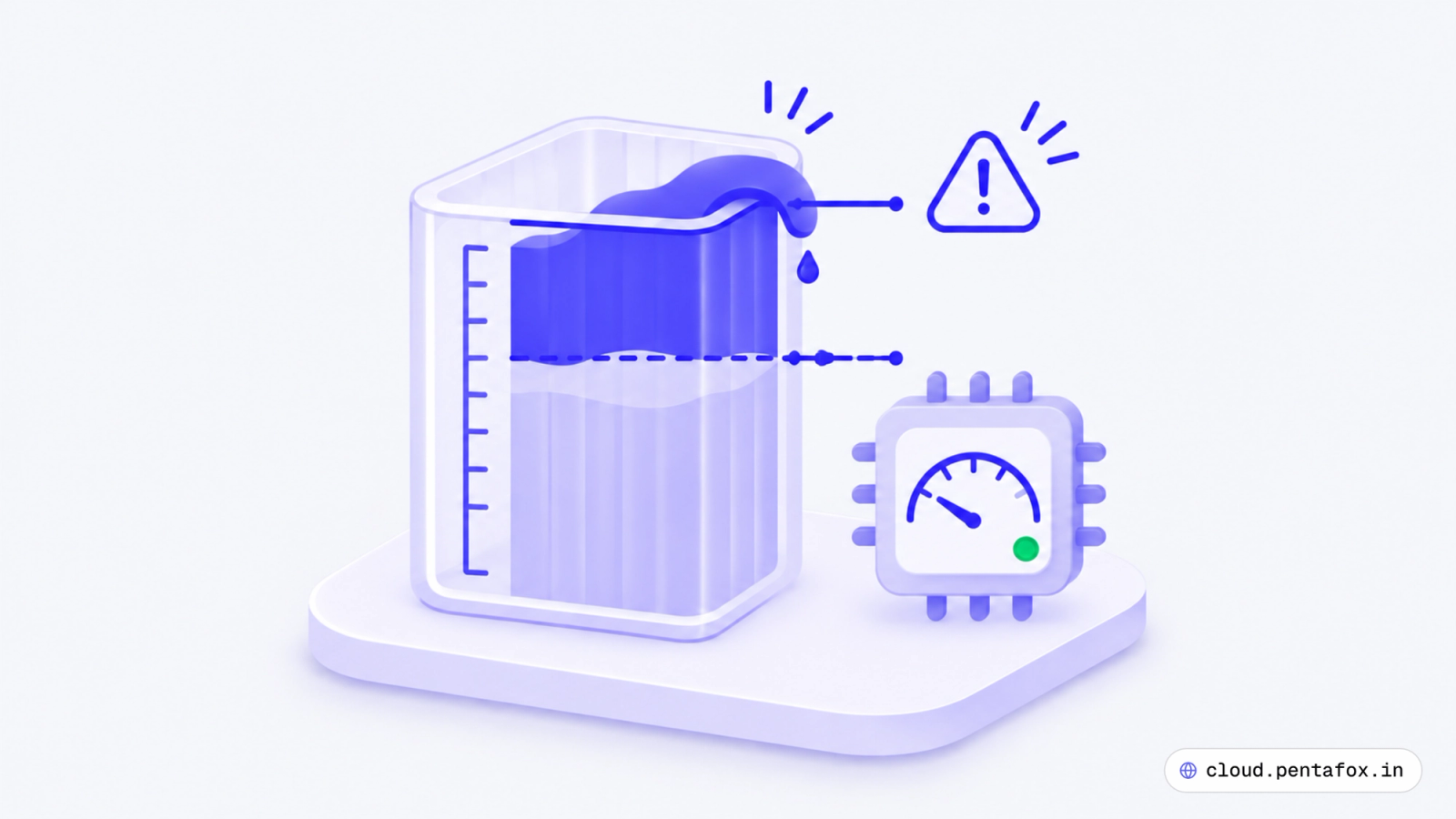
- Most surprise storage bills come from data transfer, request charges, forgotten versions and the wrong storage class, not from the stored data itself.
- Lifecycle rules, automatic tiering and choosing the right storage class can greatly reduce cost for data that is rarely accessed.
- Serving files through a CDN and using private endpoints for in-cloud access can avoid expensive data transfer and NAT charges.
Where should your files live?
Every application creates files: user uploads, product images, invoices, reports, backups and logs. A common early mistake is saving them on the server's own disk. It works on day one, then causes problems:
- When you add a second server, files uploaded to one server aren't on the other.
- When a server is replaced, its files can disappear.
- Disks fill up, and growing them takes manual work.
- Backups become another job to manage.
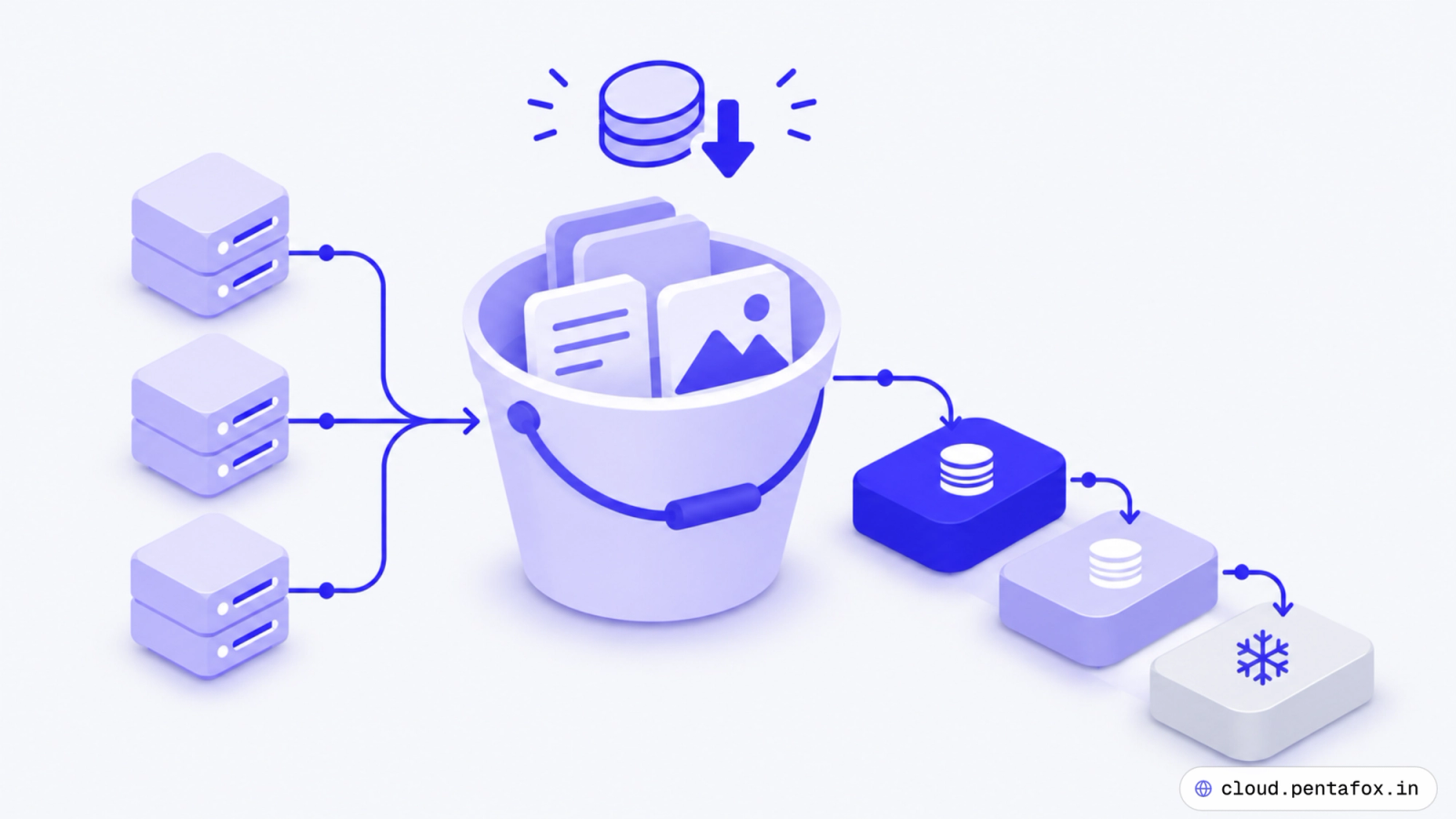
Object storage solves this. Services such as Amazon S3, Google Cloud Storage and Azure Blob Storage store files outside your servers, so any server or service can reach them.
What object storage is
Cloud storage comes in three main types:
- Block storage (Amazon EBS, Google Persistent Disk): a virtual hard drive attached to one server. Best for operating systems and databases.
- File storage (Amazon EFS, Google Filestore): a shared file system mounted by several servers.
- Object storage (Amazon S3, Google Cloud Storage): files stored as objects in buckets and accessed over HTTPS or APIs. Each object has a unique key, its data and metadata.
Why object storage is needed
- Durability: objects are stored redundantly. Amazon S3 is designed for 99.999999999 percent ("eleven nines") durability, and Google Cloud Storage makes a similar design goal.
- Practically unlimited scale: there's no disk to resize. Store a few files or billions.
- Stateless servers: keep files out of your servers so you can scale, replace or redeploy them freely.
- Pay for what you store: no pre-allocated capacity.
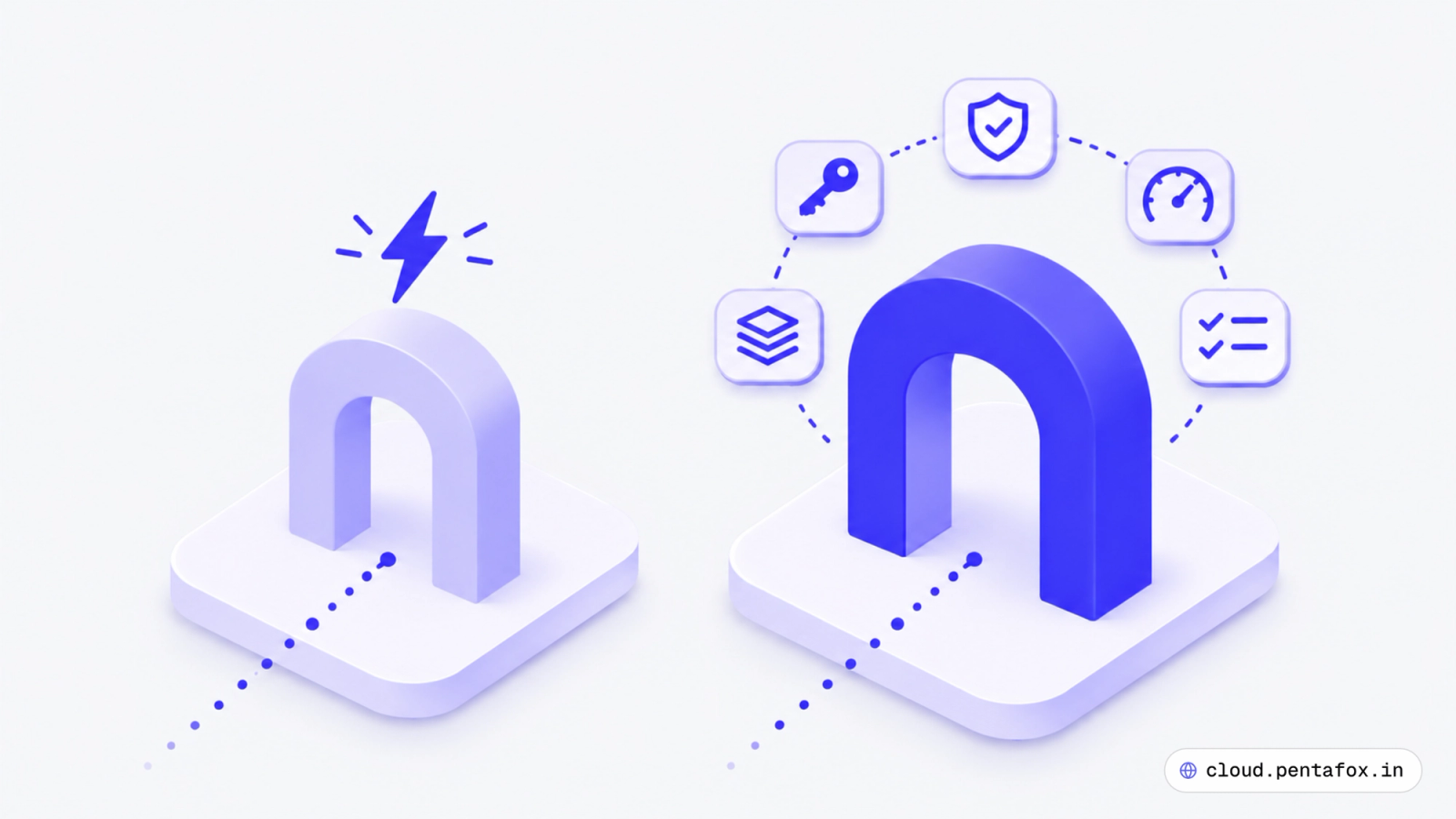
- Built-in features: versioning, encryption, access policies, lifecycle rules, replication and event notifications.
- Many uses: static websites, media delivery, backups, data lakes, analytics, logs and machine learning datasets.
Where huge bills come from
The price per gigabyte stored is low, which leads teams to stop paying attention. These are the costs that usually cause surprises.
1. Data transfer out (egress)
Serving files directly from a bucket to users on the internet is charged per gigabyte, and popular images, videos or downloads add up fast.
Fix: serve public content through a CDN. On AWS, data transfer from S3 to Amazon CloudFront is not charged, and CloudFront often costs less than direct S3 egress. Google Cloud CDN works the same way for Cloud Storage. Caching also reduces how often files are fetched at all.
2. Paying NAT gateway fees for internal traffic
Servers in private subnets that reach S3 through a NAT gateway pay NAT data processing charges on every gigabyte.
Fix: on AWS, add an S3 gateway VPC endpoint, which has no additional charge, so traffic goes straight to S3 without passing through the NAT gateway. On Google Cloud, Private Google Access lets VMs without external IPs reach Cloud Storage directly.
3. Wrong storage class
Keeping years of rarely accessed data in the most expensive "standard" class is one of the most common sources of waste.
Storage classes on AWS (Amazon S3):
- S3 Standard: frequently accessed data
- S3 Intelligent-Tiering: automatically moves objects between access tiers based on usage
- S3 Standard-IA and One Zone-IA: infrequently accessed data
- S3 Glacier Instant Retrieval, Flexible Retrieval and Deep Archive: archives, from fast access to the lowest cost
Storage classes on Google Cloud (Cloud Storage):
- Standard: frequently accessed data
- Nearline: accessed about once a month or less
- Coldline: accessed about once a quarter or less
- Archive: accessed less than once a year
- Autoclass: automatically moves objects between classes based on usage
Cheaper classes come with catches:
- Minimum storage durations: for example, 30 days for S3 Standard-IA and Google Nearline, 90 days for Google Coldline and 365 days for Google Archive. Deleting objects earlier still incurs the charge.
- Retrieval fees: you pay to read data back from these classes.
- Minimum billable object size: some infrequent-access classes bill each object as at least 128 KB.
Match the class to how the data is really used.
4. Forgotten versions and uploads
- Versioning: keeps every old copy of an overwritten or deleted object, and you pay for all of them.
- Incomplete multipart uploads: failed large uploads leave hidden parts that keep costing money.
Fix: add lifecycle rules that expire old versions after a set period and delete incomplete multipart uploads after a few days.
5. Millions of tiny requests
Object storage also charges per request (reads, writes and listings). Applications that write millions of tiny files, or list buckets constantly, can spend more on requests than on storage.
Fix: batch small items into larger files where possible, cache frequent reads, and avoid listing a bucket on every page load.
6. Replication and logs nobody reads
Cross-region replication doubles storage and adds transfer charges. Access logs and application logs pile up forever.
Fix: replicate only data that truly needs it, and set lifecycle rules to expire or archive logs.
Use lifecycle rules: set them once, save every month
Lifecycle rules move or delete objects automatically. An example policy for application logs:
- Keep in Standard for 30 days
- Move to an infrequent-access class after 30 days
- Move to an archive class after 90 days
- Delete after 1 year
Amazon S3 Lifecycle and Cloud Storage Object Lifecycle Management both support this, along with rules for old versions and incomplete uploads. Base the numbers on your own access patterns and compliance needs.
Know where your storage money goes
- AWS: S3 Storage Lens and S3 Storage Class Analysis show usage and access patterns, and Cost Explorer breaks down storage, request and transfer costs.
- Google Cloud: billing reports, Cloud Storage insights and Autoclass help you understand and optimise usage.
Review these monthly. Cost problems in storage grow quietly.
Security matters as much as cost
A cheap bucket that leaks data is the most expensive bucket of all:
- Block public access unless a bucket is meant to be public
- Use least-privilege access policies
- Turn on encryption, which is enabled by default for new objects on both S3 and Cloud Storage
- Share private files with time-limited pre-signed or signed URLs
Quick checklist
- Application files stored in object storage, not on server disks
- Public content served through a CDN
- S3 gateway endpoint or Private Google Access for in-cloud traffic
- Storage class matched to how often data is accessed
- Lifecycle rules for logs, old versions and incomplete uploads
- Automatic tiering (Intelligent-Tiering or Autoclass) for unpredictable access patterns
- Request-heavy patterns reviewed and reduced
- Replication only where needed
- Monthly cost and usage reviews
- Public access blocked unless required
Conclusion
Object storage is the backbone of modern cloud applications: durable, scalable and cheap to start with. But low prices per gigabyte hide costs in data transfer, requests, versions and the wrong storage classes. Put a CDN in front, use private endpoints, set lifecycle rules, and review usage regularly, and your storage bill will grow with your business, not faster than it.
Is your storage bill growing faster than your data? The Pentafox Cloud team helps businesses optimise storage architecture and cost on AWS and Google Cloud. Get in touch for a storage cost review.