Key takeaways
- A resource is reachable from the internet only when routing, a public IP address and firewall rules all allow it.
- Only the load balancer should face the internet. Application servers and databases belong in private subnets.
- A private subnet reduces exposure but does not guarantee security on its own.
- A NAT gateway provides outbound internet access but is not a replacement for firewall rules.
A team launches an application before a big sale. To make testing easier, the database gets a public IP and a firewall rule allowing port 5432 from anywhere, "just for now". The rule is never removed.
Within days, the logs show login attempts from unknown IP addresses. Nothing is breached yet, but a single password is now all that protects the company's data.
This can happen on AWS, Azure or Google Cloud. Where you place a resource decides who can even try to reach it. That makes network design a security decision.
What makes a resource reachable?
On every cloud, a resource can be reached from the internet only when all of these allow it:
- Routing: a path to the internet exists.
- Public IP address: the resource has an address the internet can reach.
- Firewall rules: the traffic is permitted.
- Service settings: for managed databases, public access is switched on.
Close any one of these, and the resource is no longer directly reachable.
How each cloud defines public and private
- AWS: a subnet is public when its route table sends internet traffic to an internet gateway. A private subnet has no such route and usually reaches the internet through a NAT gateway.
- Azure: since March 31, 2026, new virtual networks use private subnets by default, so outbound internet access must be configured explicitly. Inbound access needs a public IP and network security group (NSG) rules that allow it.
- Google Cloud: the internet route applies to the whole VPC network, not to individual subnets. A resource is exposed only if it has an external IP and a firewall rule allows the traffic.
In short, "public" is a combination of settings that permits internet access, not a label you switch on.
What goes wrong with the wrong placement?
A public resource is not automatically insecure, but it can be targeted. Common results include:
- Constant scanning and login attempts
- SSH (22) or RDP (3389) exposed to brute-force attacks
- Databases protected only by a password
- "Temporary" open firewall rules that stay open
- More endpoints to monitor, patch and defend
Being exposed does not mean being vulnerable. A real vulnerability needs a weakness someone can exploit, such as a weak password or an unpatched service. Exposure simply leaves less room for error.
A secure three-tier design
The same pattern works on every cloud:
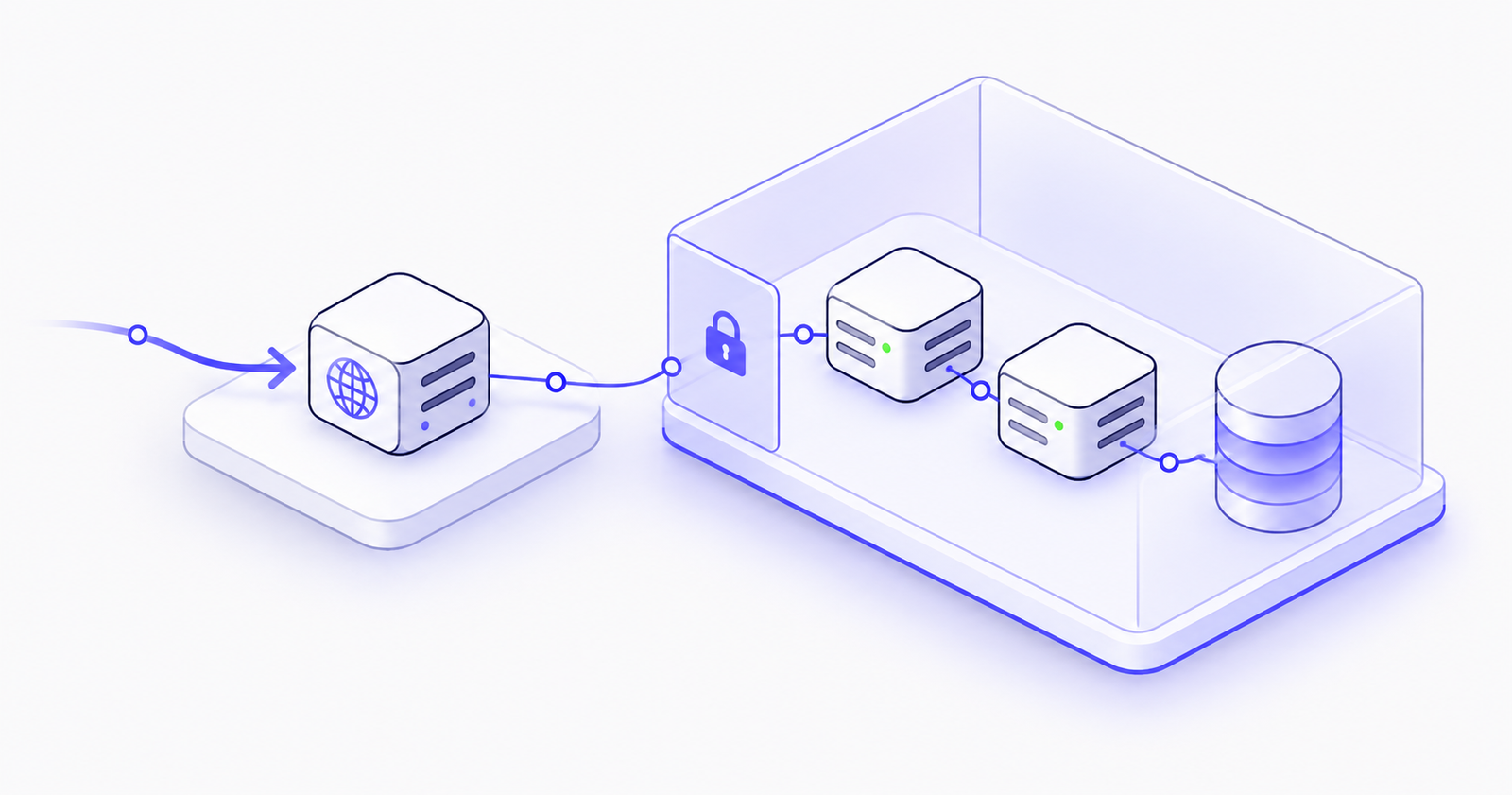
Internet users → load balancer → private application servers → private database
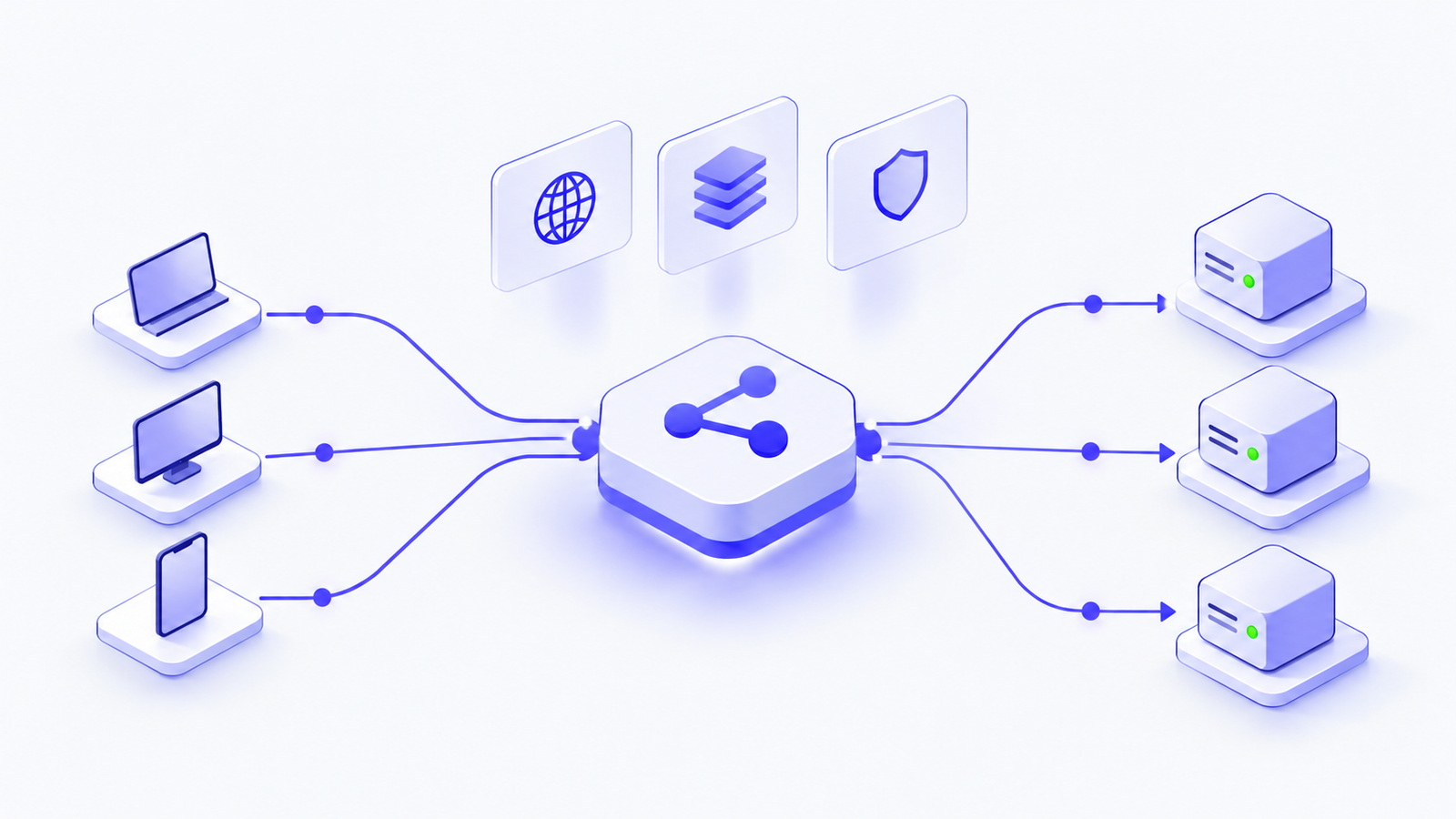
- Load balancer (public): AWS Application Load Balancer, Azure Application Gateway, or Google Cloud external Application Load Balancer. This is the only internet-facing tier.
- Application servers (private): virtual machines or containers with no public IP.
- Database (private): Amazon RDS, Azure Database or Cloud SQL, with public access turned off.
- NAT gateway: gives private servers outbound access for updates and APIs.
- Multiple zones: spread each tier across at least two zones for resilience.
The load balancer can safely be public because the cloud provider manages and patches it, and it only listens on the ports you choose. Your servers run your own code, which leaves much more to protect.
Least-privilege firewall rules
Each tier should accept traffic only from the tier in front of it:
- Load balancer: allow HTTPS (443) from users.
- App servers: allow the app port only from the load balancer.
- Database: allow 5432 (PostgreSQL) or 3306 (MySQL) only from the app servers.
Each cloud gives you a way to refer to the source by role instead of by IP address:
- AWS: use security group references.
- Azure: use application security groups and service tags.
- Google Cloud: use service accounts or network tags.
For admin access, avoid opening SSH or RDP to the internet. Use AWS Systems Manager Session Manager, Azure Bastion or Google Cloud IAP instead.
Outbound access without inbound exposure
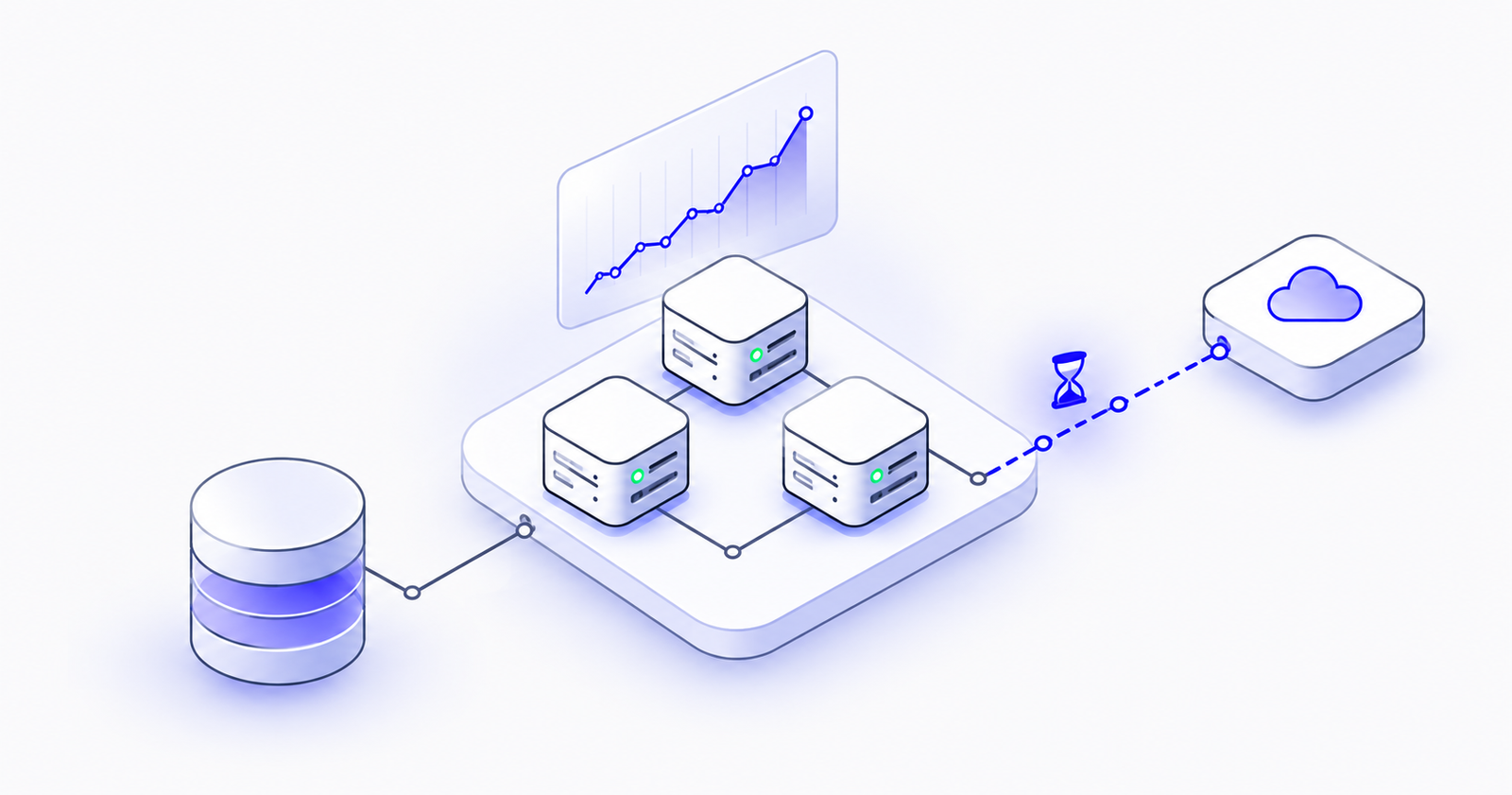
Private servers still need patches and external APIs. A NAT gateway (AWS NAT gateway, Azure NAT Gateway or Google Cloud NAT) lets them start outbound connections, and it never forwards connections that start on the internet.
A NAT gateway is not a firewall, though. You still need firewall rules. NAT also adds cost, so for traffic to the cloud provider's own services, use private access instead: AWS VPC endpoints, Azure Private Link or Google Private Google Access.
Five common mistakes
- Public databases: keep databases private and allow access only from the app tier.
- SSH or RDP open to 0.0.0.0/0: use a managed access service instead.
- App servers open to everyone: allow traffic only from the load balancer.
- Trusting "private" alone: private resources still need tight rules, patching and monitoring.
- Single-zone deployments: run critical workloads across at least two zones.
Quick checklist
- Only load balancers have public IPs.
- No SSH or RDP is open to the internet.
- Database public access is turned off.
- Each tier accepts traffic only from the tier before it.
- Outbound access is explicit and its cost is monitored.
- Flow logs and audit logs are enabled.
- Critical workloads run in multiple zones.
Conclusion
On every cloud, the rule is simple: expose only what genuinely needs to be public, and protect everything else with layered controls. Good network placement won't secure an application on its own, but poor placement can undo every other safeguard you have built.
Need a review of your cloud network? The Pentafox Cloud team helps businesses design and secure architectures on AWS, Azure and Google Cloud. Get in touch for an architecture review.