Key takeaways
- HTTP APIs and REST APIs are both ways to build RESTful APIs in Amazon API Gateway. The names are confusing, because both serve HTTP and both follow REST principles.
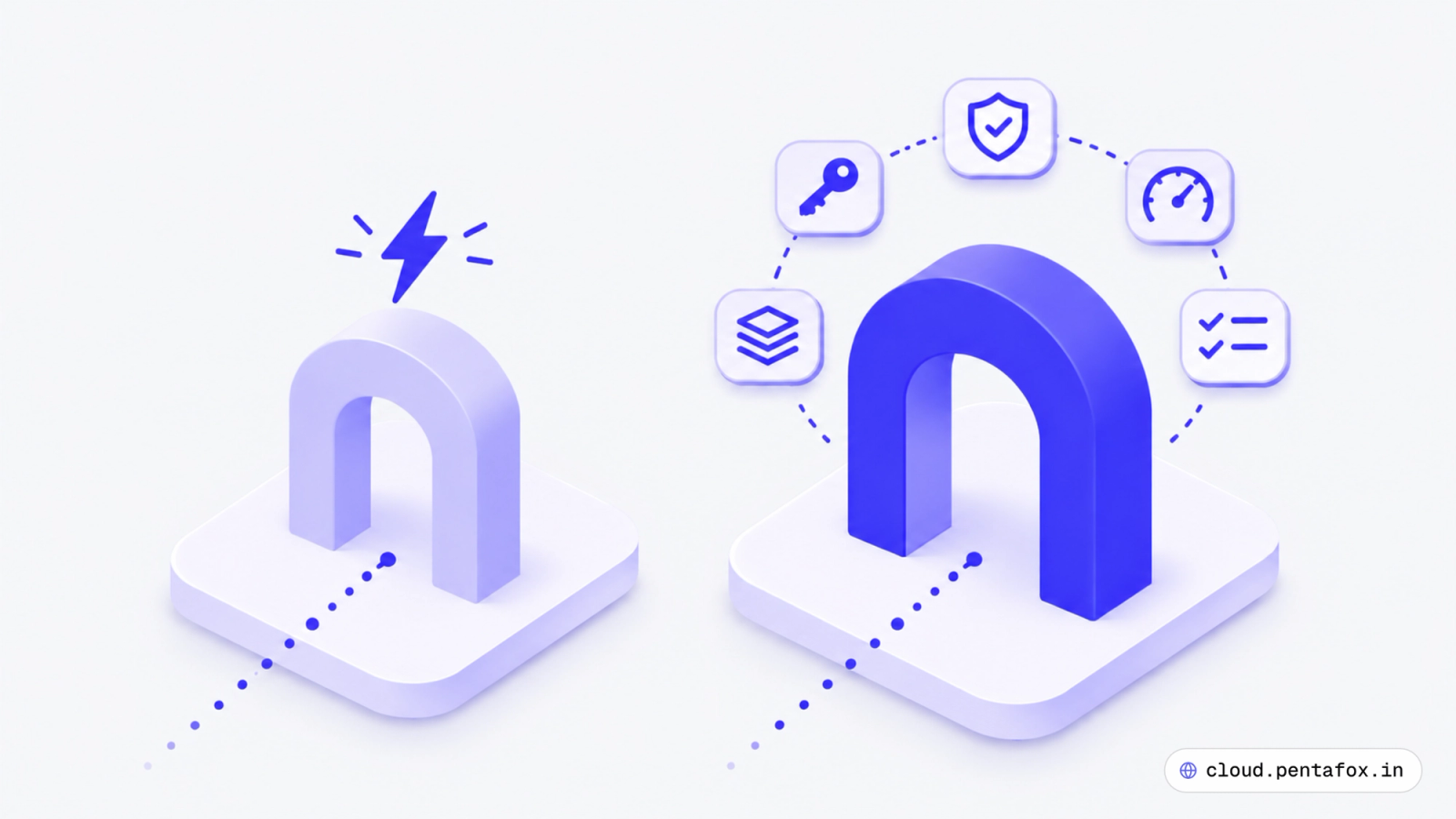
- HTTP APIs are designed with fewer features so they can be offered at a lower price, and they include native JWT authorizers.
- REST APIs add API keys, usage plans, per-client throttling, request validation, caching, AWS WAF integration and private endpoints.
- Choose an HTTP API by default for simple APIs, and choose a REST API when you need one of its extra features.
- Changing type later means rebuilding the API configuration, so check your future requirements before you start.
Same goal, two different products
Amazon API Gateway offers two ways to build a RESTful API:
- REST API: the original, feature-rich option.
- HTTP API: a newer, simpler and lower-cost option.
The names cause confusion, because both handle HTTP requests and both can build REST-style APIs. The real difference is features versus price. AWS describes REST APIs as supporting more features, and HTTP APIs as designed with minimal features so they can be offered at a lower price.
HTTP API: simple, fast and cheaper
Benefits
- Lower cost: a lower price per request than REST APIs.
- Native JWT authorizers: validate tokens from Amazon Cognito, Auth0, Okta or other OpenID Connect providers without writing code.
- Simple setup: easy CORS configuration, automatic deployments and default routes.
- Lambda, HTTP backends and private integrations: connect to Lambda functions, public HTTP endpoints, or private resources behind an ALB, NLB or AWS Cloud Map through a VPC link.
- Other authorizers: supports IAM and Lambda authorizers too.
Limitations
- No API keys or usage plans
- No per-client throttling or rate limiting
- No AWS WAF integration
- No response caching
- No request validation or mapping templates for transforming requests and responses
- No private API endpoint type, so the API itself can't be made private to your VPC
- Integration timeout limited to about 30 seconds
REST API: full-featured API management
Benefits
- API keys and usage plans: give each customer or partner a key with its own quota and rate limit.
- Per-client throttling: stop one client from using up capacity meant for everyone.
- AWS WAF: block common web attacks and add rate-based rules.
- Request validation: reject badly formed requests before they reach your backend.
- Transformations: reshape requests and responses with mapping templates.
- Caching: cache responses to reduce backend load and latency.
- Endpoint types: edge-optimised, Regional and private endpoints that are reachable only from inside your VPC.
- Resource policies: restrict access by source IP address, VPC or AWS account.
- Longer timeouts: Regional and private REST APIs can raise the integration timeout beyond 29 seconds through a quota increase.
- Private ALB integration: since November 2025, REST APIs can connect directly to internal Application Load Balancers through VPC link v2.
Limitations
- Higher price per request than HTTP APIs
- More configuration to learn and manage
- No native JWT authorizer. You validate JWTs with a Lambda authorizer or use a Cognito authorizer.
Side-by-side comparison
Cost
- HTTP API: lower
- REST API: higher
JWT authorization
- HTTP API: native
- REST API: through a Lambda or Cognito authorizer
API keys and usage plans
- HTTP API: no
- REST API: yes
Per-client throttling
- HTTP API: no
- REST API: yes
AWS WAF
- HTTP API: no
- REST API: yes
Caching
- HTTP API: no
- REST API: yes
Request validation and transformation
- HTTP API: no
- REST API: yes
Private API endpoint
- HTTP API: no
- REST API: yes
Integration timeout
- HTTP API: up to about 30 seconds
- REST API: 29 seconds by default, and can be raised for Regional and private APIs
Always check the official comparison page before deciding, because AWS adds features over time.
Where to use an HTTP API
- Internal or simple APIs behind your own front end or mobile app
- Serverless backends using Lambda, where low cost matters
- APIs that already use OIDC or OAuth tokens from Cognito, Auth0 or Okta
- Proxying to private services in a VPC without needing API management features
Where to use a REST API
- Public or partner APIs where each client needs an API key and its own usage limits
- APIs that need AWS WAF protection at the API Gateway layer
- Private APIs reachable only from inside your VPC
- Backends that need protection through request validation, caching or throttling
- Integrations that need request or response transformation without extra code
- Long-running requests that need a timeout above 29 seconds
A quick decision rule
Start with one question: do you need any REST-only feature? These are API keys, usage plans, per-client throttling, WAF, caching, request validation, transformations, private endpoints or longer timeouts.
- If no, choose an HTTP API, which is simpler and cheaper.
- If yes, choose a REST API.
Think about the next year, not just today. Moving from an HTTP API to a REST API later means recreating routes, integrations and authorization, so if you expect to need partner API keys or WAF soon, starting with a REST API can save rework.
Conclusion
HTTP APIs and REST APIs are both solid choices. HTTP APIs keep things simple and cost-effective, while REST APIs add the controls needed to manage and protect APIs at a larger scale. Choose the lightest option that meets your requirements, and plan ahead for features you'll need soon.
Designing APIs on AWS? The Pentafox Cloud team helps businesses build secure, cost-efficient serverless and API architectures. Get in touch for an API architecture review.