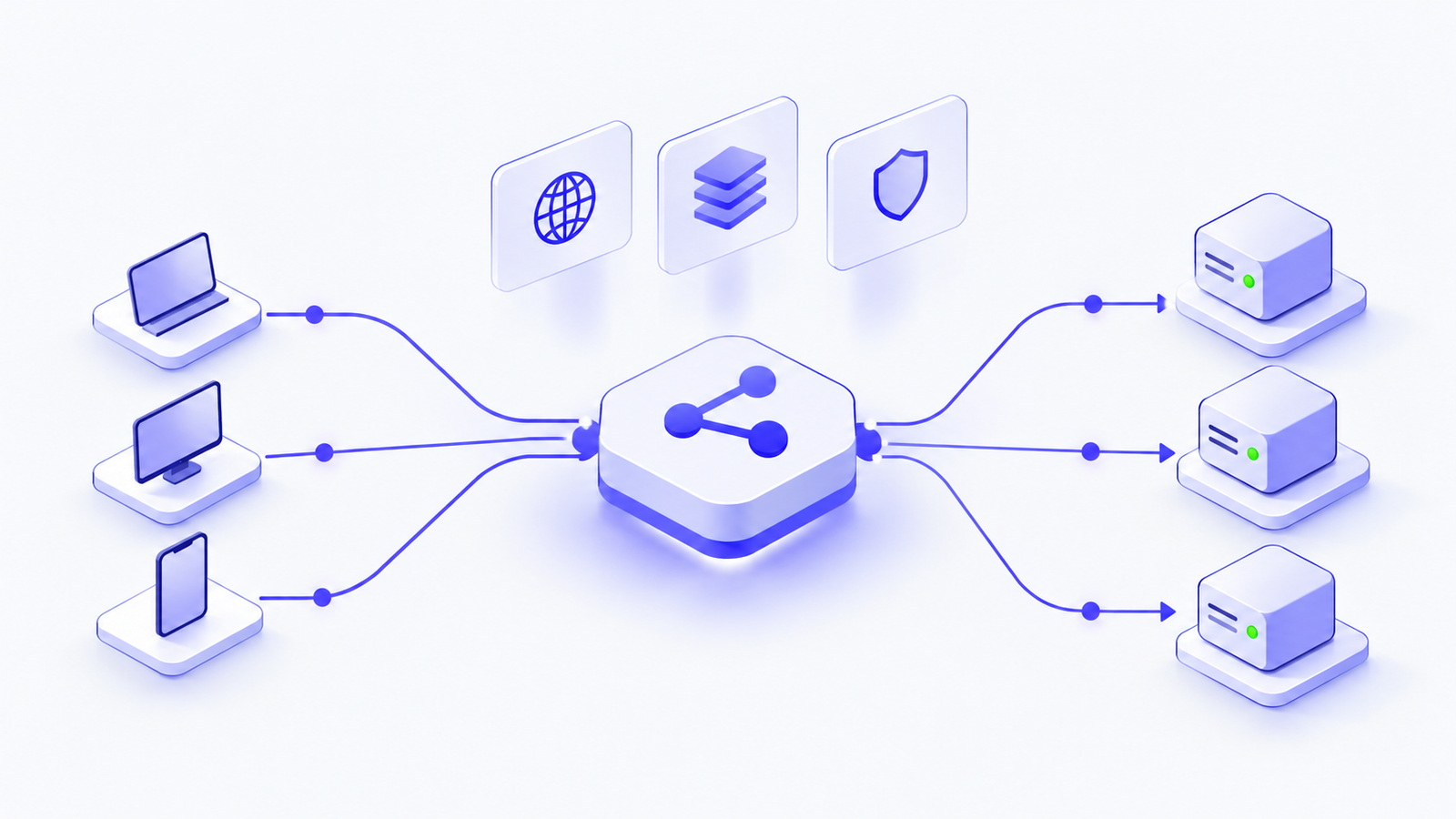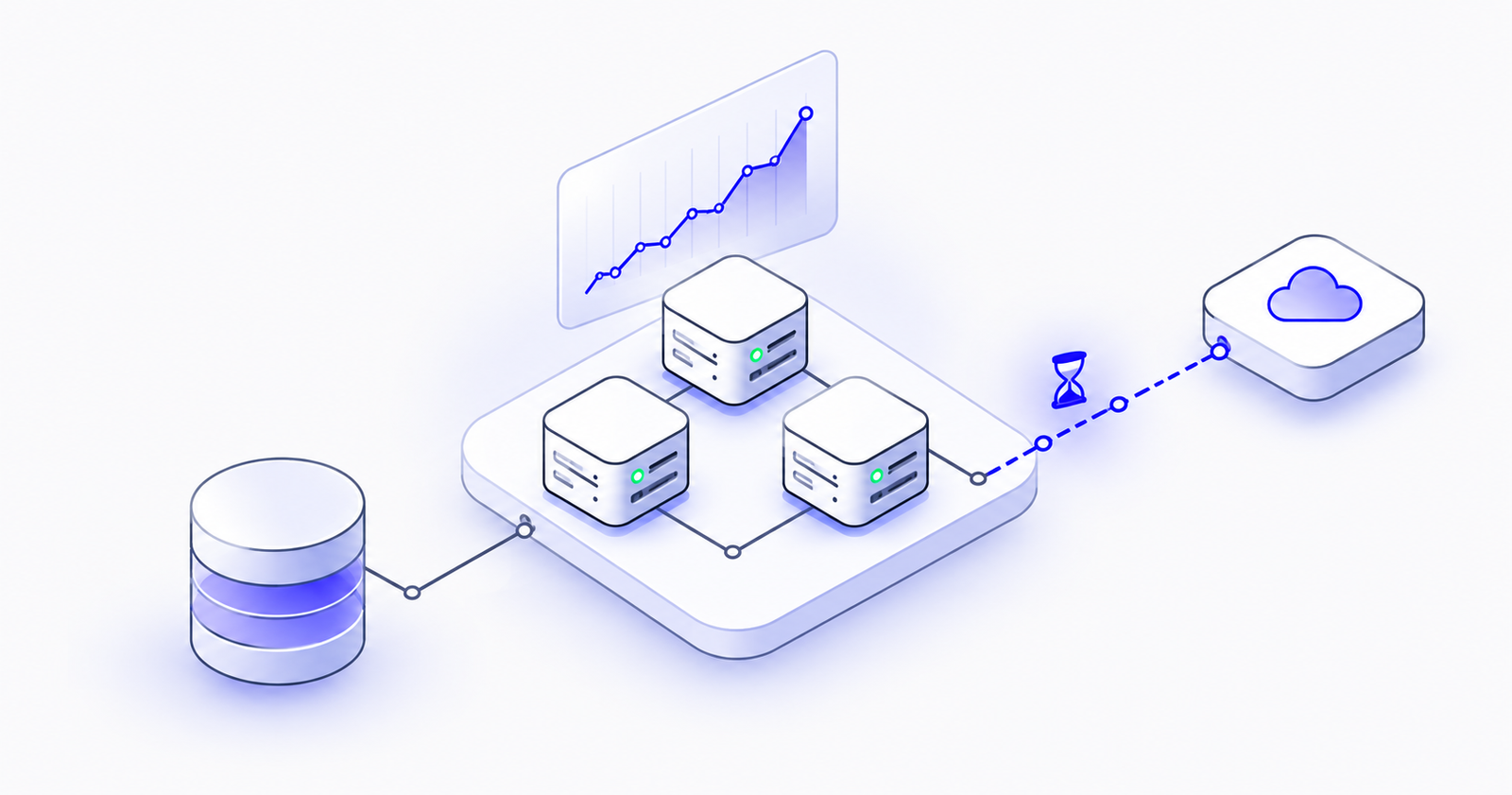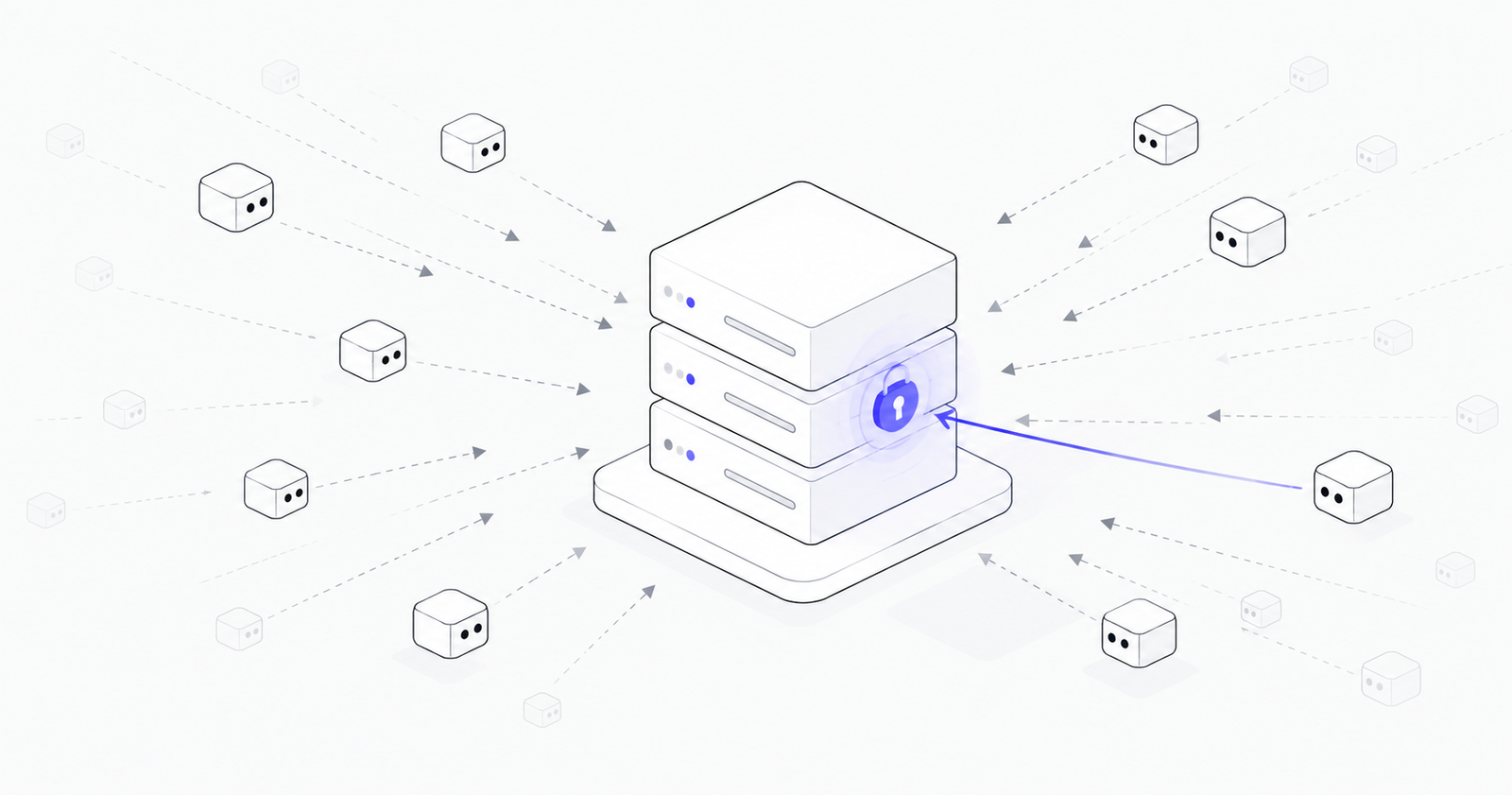
We recently reviewed one week of logs from a small web application running on AWS. It had only two public endpoints and a handful of real users. Yet in a single three-second burst, one automated bot tried more than 250 different addresses on it, looking for passwords, cloud keys, private SSH keys, payment credentials, and database backups.
Two days later, a different bot did the same thing. This one went further: it guessed backup file names built from the website's own domain name, hoping someone had left a copy of the site or its database lying around.
Nobody targeted this application because it was valuable. It was scanned because it was on the internet. The same is true for your servers.
This is happening to everyone
Automated scanning is not a rare event or a sign that someone has singled you out. It is constant background activity across the entire internet.
Scanning tools sweep through every public IP address they can reach, trying the same long list of common file locations on each one. They don't need to know who you are. They simply try millions of servers and collect whatever they find.
Being small or new offers no protection. When a website gets an HTTPS certificate, its domain name is published in public certificate records, and bots watch those records for fresh targets. A newly launched site can appear on attackers' radar almost immediately.
What the bots are looking for?
The requests in our logs fell into a few clear categories. Each one maps to something valuable to an attacker.
Cloud account keys. Files that may contain AWS, Google Cloud, or other cloud credentials. With these, an attacker can operate inside your cloud account as if they were you.
Application secrets. Configuration files (often called .env files) that developers use to store passwords and API keys for databases, email services, payment providers, and AI services.
Customer data. Database dumps and website backups, such as backup.zip or database.sql, that were accidentally left in a public location.
Source code. Hidden version-control folders that can allow an attacker to rebuild your entire codebase, including any passwords that were ever written into it.
Server access. Private SSH keys that could grant a direct login to the machine itself.
A few of the actual requests we saw:/.env·/.aws/credentials·/.git/config·/.ssh/id_rsa·/backup.zip·/db.sql·/stripe.json
In our case, every one of these requests failed, because none of those files existed in a public location. But on a misconfigured server, a single successful request can hand over the keys to the whole business.
What happens when the door is open
Once an attacker has a working key, events move quickly:
- They check which account the key belongs to and list its users and storage.
- If the key has just enough permission to create new roles, they create one and grant it full administrator access.
- They use the victim's own cloud account to scan other websites for more leaked keys, turning each victim into a tool for finding the next.
- They download the contents of the victim's cloud storage, delete the originals, and leave a ransom note in the empty storage, threatening to sell the data.
Importantly, the cloud provider itself is never hacked in these cases. Every compromise starts with a configuration mistake on the victim's side.
Common risks that leave businesses exposed
The attacks above rely on a small set of common, easy-to-miss issues. These are the ones we see most often.
Servers and databases open to the entire internet. Firewall rules that allow access from anywhere (0.0.0.0/0) to remote login, databases, or admin panels invite every bot on the internet to try its luck. What was meant as a quick temporary setting often stays in place for years.
Weak or reused passwords, and no multi-factor authentication. Automated tools can try thousands of password combinations. Without a second verification step, one guessed or leaked password can be enough to take over an account.
Long-lived access keys stored on servers. Permanent cloud keys saved in configuration files never expire. If they leak once, they remain useful to an attacker until someone notices and revokes them, which can be months later.
Accounts with more permissions than they need. A single limited key with one overly generous permission can turn into full control of the account. The more a credential can do, the more damage a leak causes.
Secrets in the wrong places. Passwords and keys end up in public configuration files, code repositories, backup archives, and even website code that every visitor's browser downloads.
No logging or monitoring. Many of the activity records that would reveal an attack are not switched on by default. Without them, the first sign of a breach may be a ransom note or an unexpected cloud bill.
Would you know if it happened to You?
This is the question we ask every client, and it is often the hardest one to answer.
Bot scans are silent. Failed attempts leave no visible trace for your users, and successful ones rarely announce themselves. Attackers who obtain a working key can quietly explore an account, copy data, or run up costs for weeks before anyone looks.
Most businesses that get breached this way didn't lack security products. What they lacked was visibility into small configuration choices that had quietly become open doors.
Every server is being tested. The question is what it reveals.
You cannot stop bots from scanning your servers. That part is simply how the internet works today. What you can control is what they find when they arrive.
Most of the risks in this article are invisible until someone deliberately looks for them. If you're not sure how your AWS environment would hold up against these scans, our team can review it with you and show you exactly where you stand.