Key takeaways
- Rate limiting by IP address alone blocks users behind shared networks and misses attackers who rotate IPs.
- AWS WAF rate-based rules can aggregate on up to five custom keys, such as an API key header, cookie or URI path.
- Scope-down statements let you apply stricter limits to sensitive endpoints such as login and password reset.
- AWS WAF checks rates roughly every 10 seconds, so it is designed for abuse protection, not precise per-customer quotas.
- New rules should run in Count mode first, then switch to Block once thresholds are validated against real traffic.
The problem with one limit for everyone
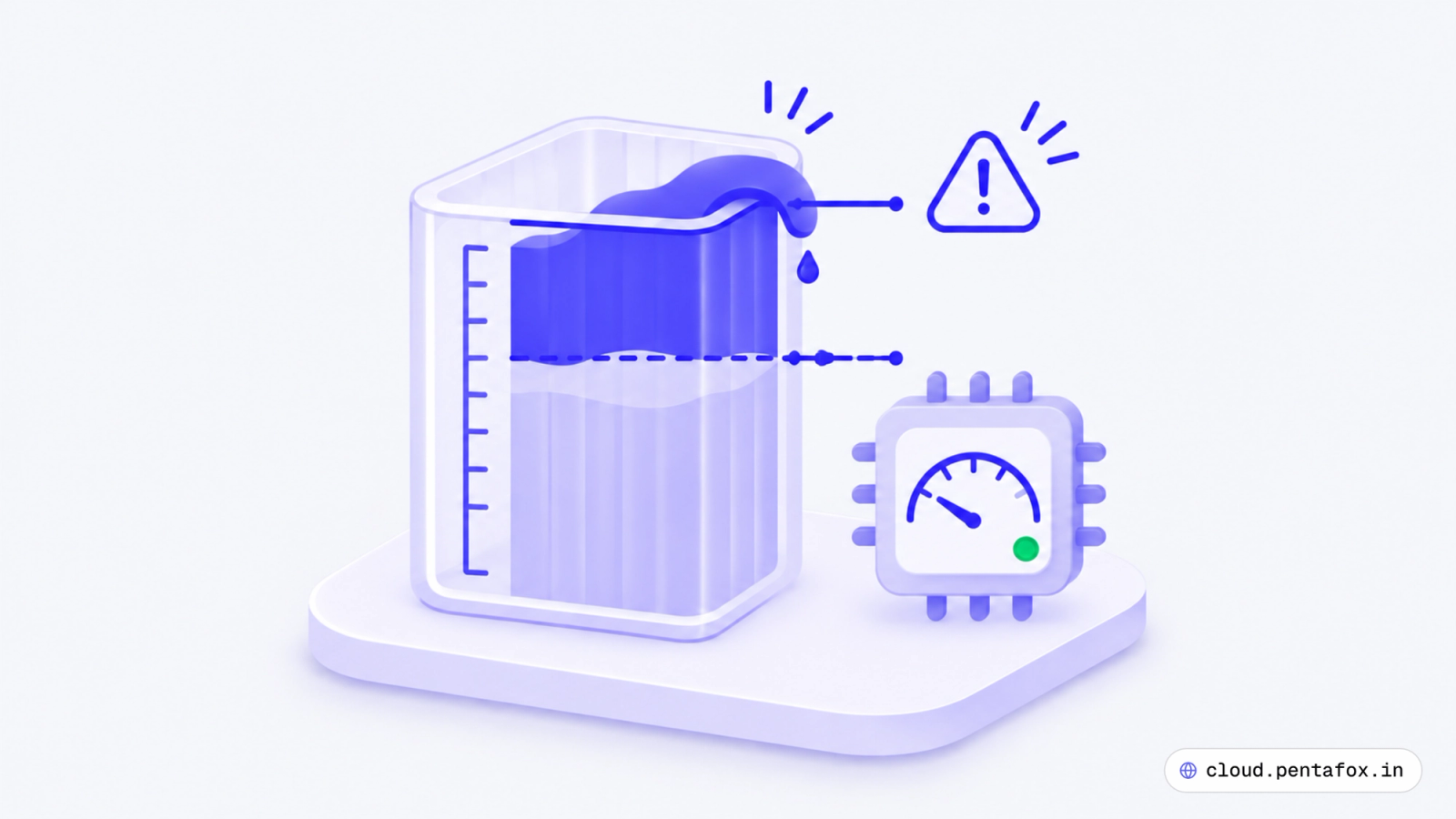
Most teams start API rate limiting the same way: one AWS WAF rule that blocks any IP address sending more than a set number of requests in five minutes.
It works until it doesn’t. An entire customer office sits behind a single NAT gateway and gets blocked during a busy morning. A mobile carrier routes thousands of users through a handful of IPs. Meanwhile, a credential-stuffing attack spread across thousands of residential proxy IPs never trips the limit, because no single address sends enough requests.
An effective rate limit doesn’t count traffic. It counts the right thing.
How rate-based rules work
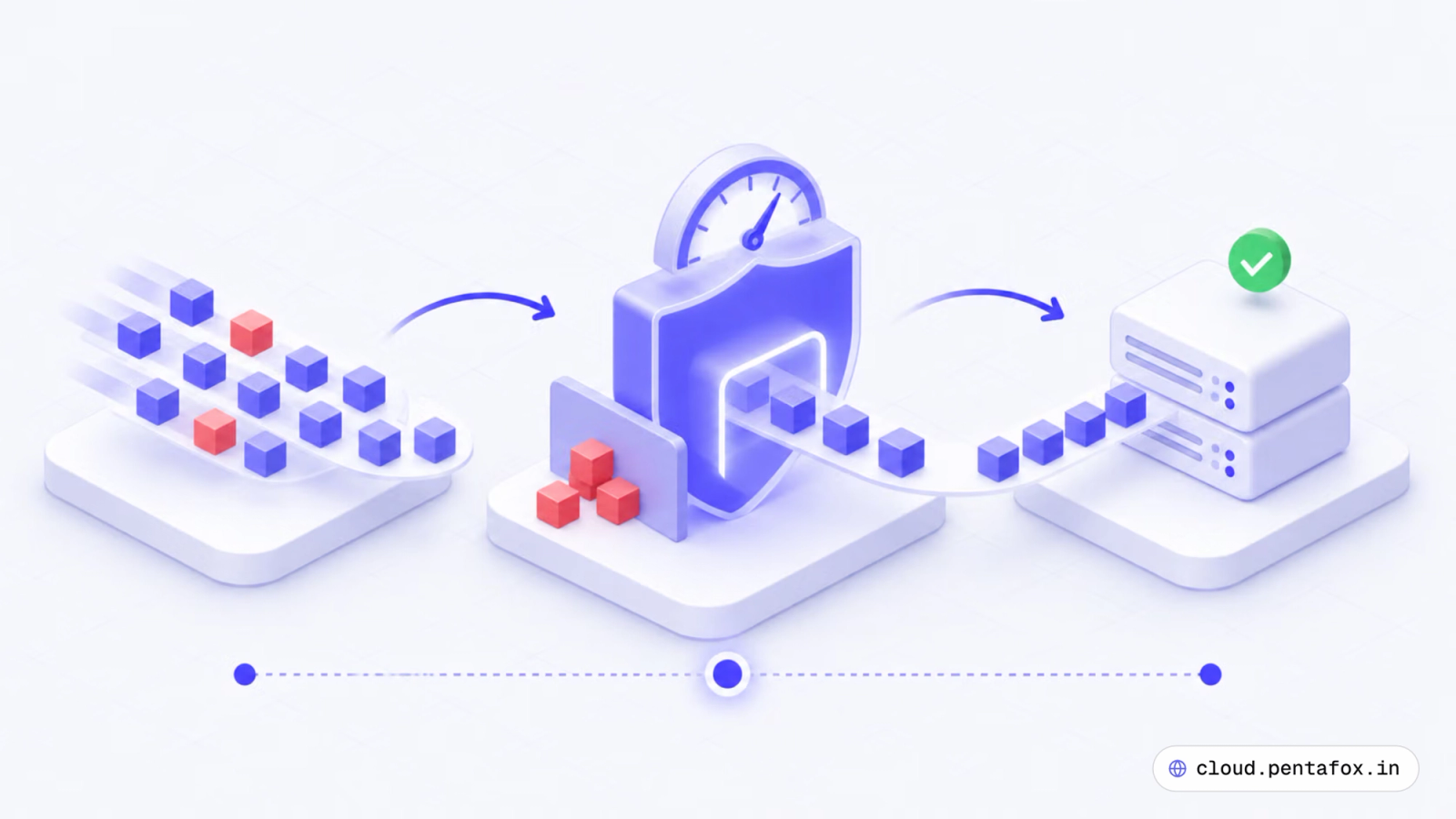
An AWS WAF rate-based rule counts requests over a rolling evaluation window and applies an action when a source exceeds the limit. Three settings define its behaviour:
- Aggregation key: what is counted. This can be the source IP, a forwarded IP from a header, a constant (all matching requests together), or custom keys.
- Evaluation window: how far back WAF looks: 1, 2, 5 or 10 minutes.
- Limit: the maximum number of requests per aggregation instance in that window, with a minimum of 10.
Two details matter in production. WAF checks the rate approximately every 10 seconds, so short bursts can briefly exceed the limit before action is taken. And changing a rule’s settings resets its counts, which can pause enforcement for up to a minute.
Count the right thing: custom aggregation keys
Custom keys let you aggregate on up to five request components, either individually or in combination. For APIs, the most useful options are:
- API key or token header: limits each client fairly, regardless of how many IPs they use.
- Session cookie: limits each browser session for web-facing APIs.
- IP plus URI path: applies separate limits per endpoint for each source.
- IP plus HTTP method: treats read-heavy GET traffic differently from POST requests.
Aggregating on an authenticated identity, such as an API key, solves both earlier problems at once. Users behind a shared IP each get their own allowance, and an attacker rotating IPs still hits the limit tied to the stolen credential.
Protect sensitive endpoints with scope-down rules
Not every endpoint carries the same risk. A scope-down statement restricts a rate-based rule to requests that match specific conditions, so you can set different limits for different routes.
A practical layered design for a typical API might look like this:
- Global flood protection: a high per-IP limit across all traffic to stop volumetric abuse.
- Authentication endpoints: a strict per-IP limit on
POST /auth/loginand password reset routes to slow credential stuffing. - Authenticated API traffic: a per-API-key limit on
/api/*sized to your highest legitimate client usage. - Expensive operations: a tighter limit on search, export or report-generation endpoints that are costly to serve.
Each layer catches a different type of abuse, and no single threshold has to serve every purpose.
Choose the right response
Blocking is not the only option. AWS WAF lets you choose an action that fits the traffic:
- Block with a custom response: return HTTP 429 (Too Many Requests) with a
Retry-Afterheader, so well-behaved clients back off correctly. - CAPTCHA or Challenge: for browser-based traffic, verify a human or a real browser instead of blocking outright.
- Count: record matches without acting, for testing and monitoring.
For bot-driven abuse on login flows, combine rate-based rules with AWS WAF managed rule groups such as Bot Control and Account Takeover Prevention.
Know what WAF is not for
Because WAF evaluates rates approximately and on rolling windows, it is built to stop abuse, not to enforce exact commercial quotas. If customers pay for a specific number of API calls per second, enforce that at the application layer or through API Gateway usage plans and throttling. Use WAF as the outer protective layer in front of them.
Roll out safely
- Baseline first. Review WAF logs or CloudWatch metrics to understand normal request rates per IP, per API key and per endpoint, including peak periods.
- Deploy in Count mode. Run new rules for at least a week to see who would have been affected.
- Investigate matches. Check whether counted requests are genuine abuse or legitimate heavy users.
- Switch to Block once thresholds are validated, and monitor closely after the change.
- Review regularly as traffic grows, new clients onboard and endpoints change.
If your WAF sits behind another proxy, be careful with forwarded IP headers such as X-Forwarded-For. Clients can spoof them, so only trust them when the proxy in front of WAF sets them reliably.
Quick checklist
- Normal request rates baselined per IP, API key and endpoint
- Custom aggregation keys used for authenticated API traffic
- Stricter scope-down limits on login and other sensitive endpoints
- Separate limits for expensive operations
- HTTP 429 custom responses with Retry-After configured
- New rules validated in Count mode before blocking
- Commercial quotas enforced in the application or API Gateway, not WAF
- WAF logging enabled and thresholds reviewed quarterly
Conclusion
Rate limiting is one of the most effective ways to protect APIs from abuse, but a single per-IP threshold creates as many problems as it solves. Layered rules that count the right identity, target the endpoints that matter and are validated against real traffic protect your APIs without getting in the way of your customers.
CloudOps helps teams design and tune AWS WAF configurations, from rate-based rules and bot protection to logging and ongoing threshold reviews. Contact us for an AWS security review.