Key takeaways
- GuardDuty detects threats but does not stop them. Value comes from how quickly findings are triaged and acted on.
- Foundational detection covers CloudTrail, VPC Flow Logs and DNS logs. Protection plans extend coverage to S3, EKS, runtime, malware, RDS and Lambda.
- Extended Threat Detection correlates related signals into a single critical attack sequence finding, at no additional cost.
- GuardDuty should be enabled in every Region and every account, managed centrally through a delegated administrator.
- High and critical findings should trigger automated containment through EventBridge, not wait in a console.
Detection without response is just a notification
Most AWS teams enable Amazon GuardDuty within minutes. It’s agentless for its foundational coverage, needs no infrastructure, and starts analysing activity immediately.
The problem is what happens next. Findings accumulate in the console. Nobody owns them. A high-severity alert about credentials being used from an unfamiliar network sits unread for days, while the attacker continues working.
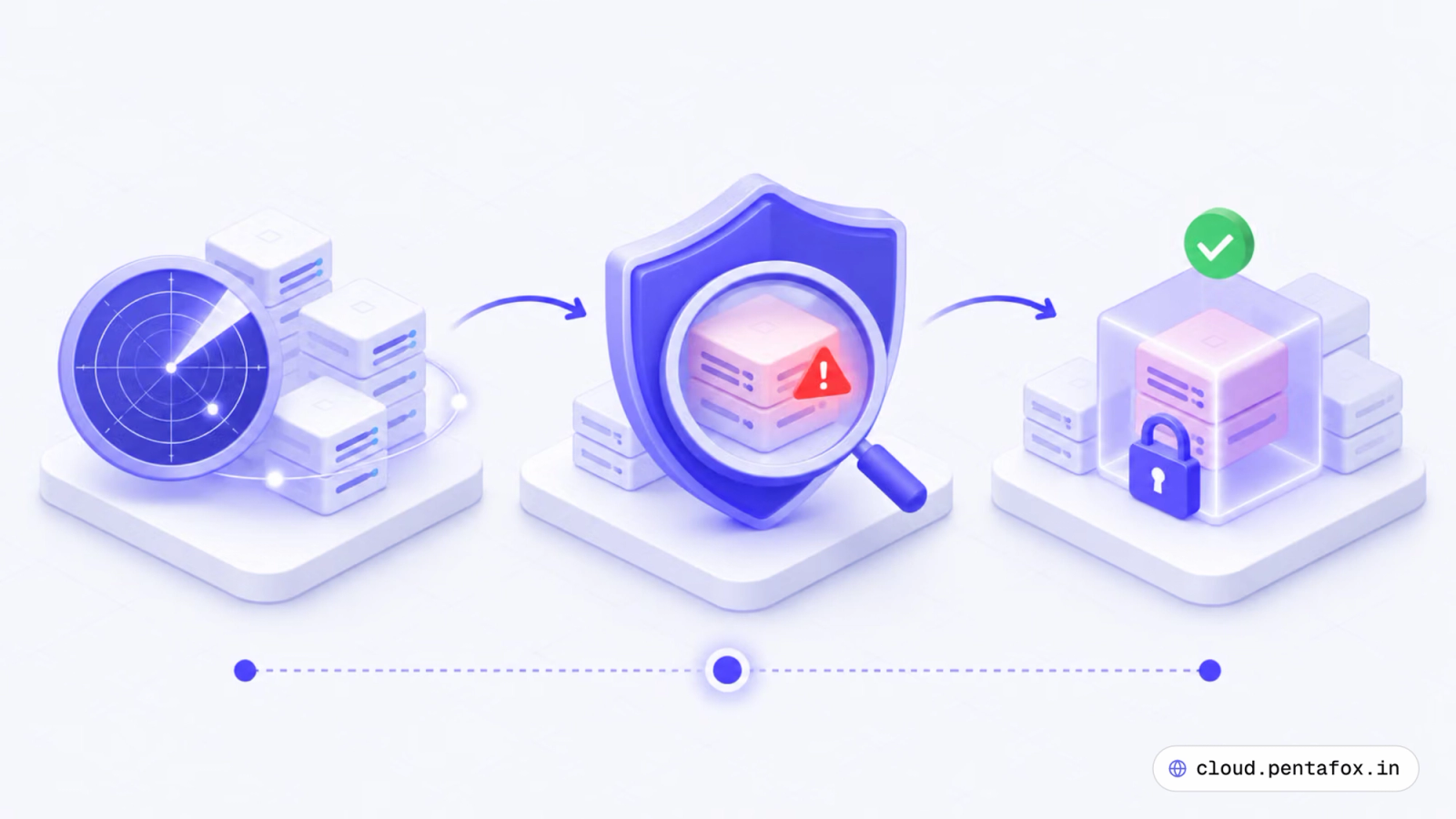
GuardDuty is a detection service. It identifies threats, but it does not stop them. The security value of GuardDuty is measured by the time between a finding and the action that contains it.
What GuardDuty monitors
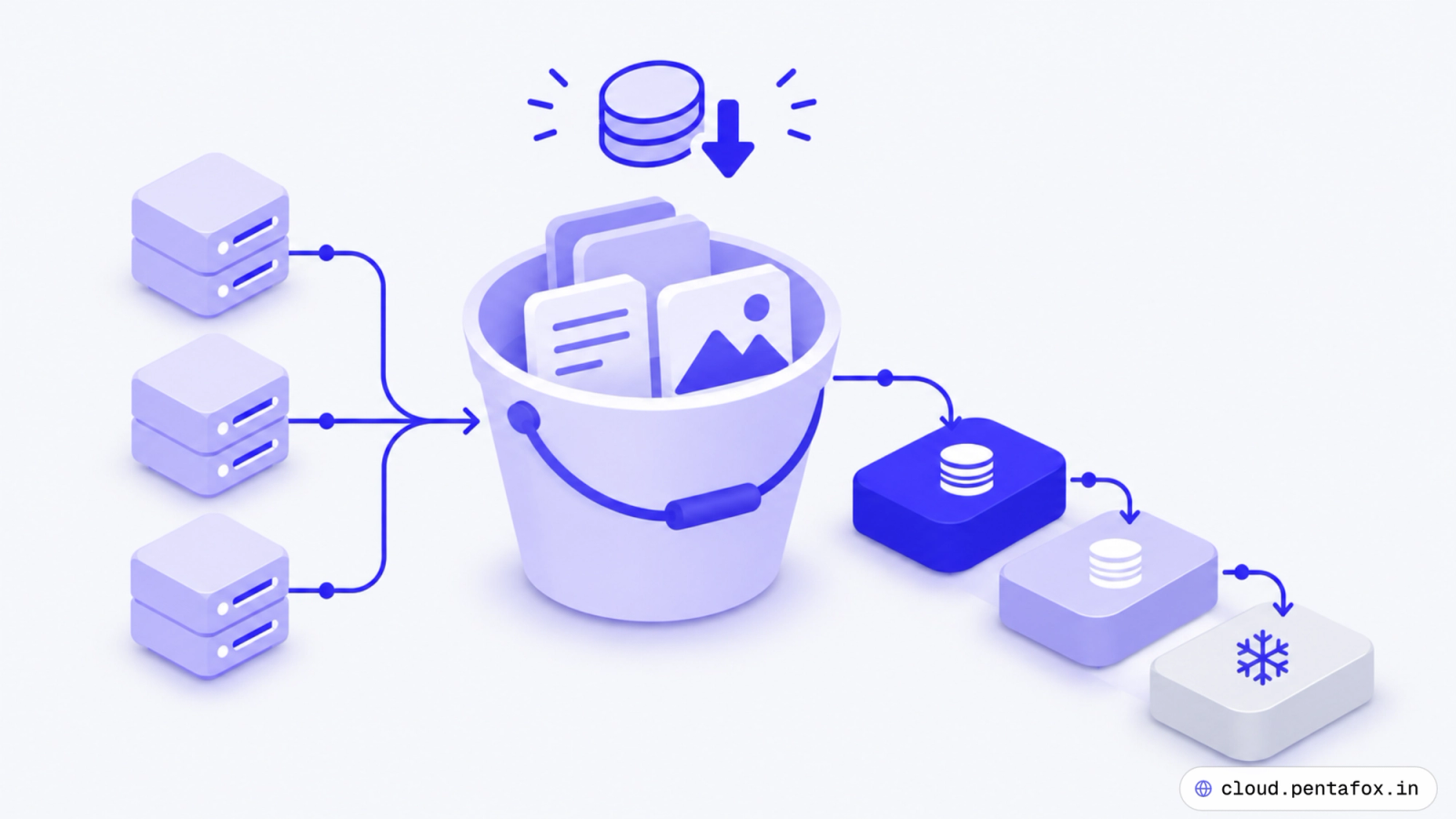
Foundational threat detection is included when you enable GuardDuty. It analyses AWS CloudTrail management events, VPC Flow Logs and DNS query logs to identify activity such as:
- Compromised or misused IAM credentials
- EC2 instances communicating with known malicious IPs or command-and-control servers
- Cryptocurrency mining
- Reconnaissance, such as port scanning or unusual API enumeration
- Attempts to disable logging or weaken security controls
Protection plans are optional and extend coverage to specific workloads:
- S3 Protection: monitors object-level API activity for suspicious access and data exfiltration.
- EKS Protection: analyses Kubernetes audit logs for suspicious control plane activity.
- Runtime Monitoring: observes process, file and network behaviour inside EC2 instances, ECS tasks and EKS containers using a lightweight security agent.
- Malware Protection: scans EBS volumes attached to suspicious instances, and new objects uploaded to S3, for malicious files.
- RDS Protection: detects anomalous login activity against Aurora and supported RDS databases.
- Lambda Protection: monitors network activity from Lambda functions for signs of compromise.
Enable the plans that match where your critical workloads and data actually live, rather than all or none by default.
Extended Threat Detection: seeing the whole attack
Real attacks rarely appear as a single event. An attacker might obtain credentials, enumerate permissions, escalate privileges and then access sensitive S3 data, each step looking minor on its own.
Extended Threat Detection correlates these signals across data sources, resources and time, and presents them as a single attack sequence finding rated Critical. It covers scenarios including IAM credential misuse, S3 data compromise, EKS cluster compromise, and compromise across groups of EC2 instances and ECS workloads.
It is enabled automatically and carries no additional cost. However, its visibility depends on your inputs: the more relevant protection plans you enable, the more signals GuardDuty can correlate.
For security teams, this changes triage. Instead of piecing together a dozen low and medium findings, analysts start from a single narrative of what happened and which resources are involved.
Build for multi-account, multi-Region coverage
Attackers target gaps. Two are especially common:
- Unmonitored Regions. Compromised credentials are often used to launch resources in Regions a company doesn’t normally use, precisely because no one is watching. Enable GuardDuty in every Region, including ones you don’t actively run workloads in.
- Unmonitored accounts. New accounts created for projects or acquisitions are frequently missed.
Use AWS Organizations with a delegated GuardDuty administrator account. Configure auto-enable so every new member account is protected from the moment it’s created, and aggregate findings centrally through AWS Security Hub.
Triage by severity, then automate
GuardDuty assigns every finding a severity: Low, Medium, High or Critical. Use this to define clear response paths:
- Critical (attack sequences): immediate incident response, with on-call engagement.
- High: automated containment followed by investigation.
- Medium: investigation within an agreed timeframe.
- Low: periodic review, and suppression where activity is known and expected.
For High and Critical findings, manual response is too slow. Route findings through Amazon EventBridge to trigger automated actions such as:
- Isolating a compromised EC2 instance by replacing its security group with one that blocks all traffic.
- Snapshotting EBS volumes to preserve forensic evidence.
- Deactivating compromised IAM access keys or revoking active sessions.
- Notifying the on-call team through SNS, Slack or your incident management platform.
Start with notification and evidence capture, then introduce disruptive actions such as isolation once you’ve validated them against real findings.
Reduce noise without reducing visibility
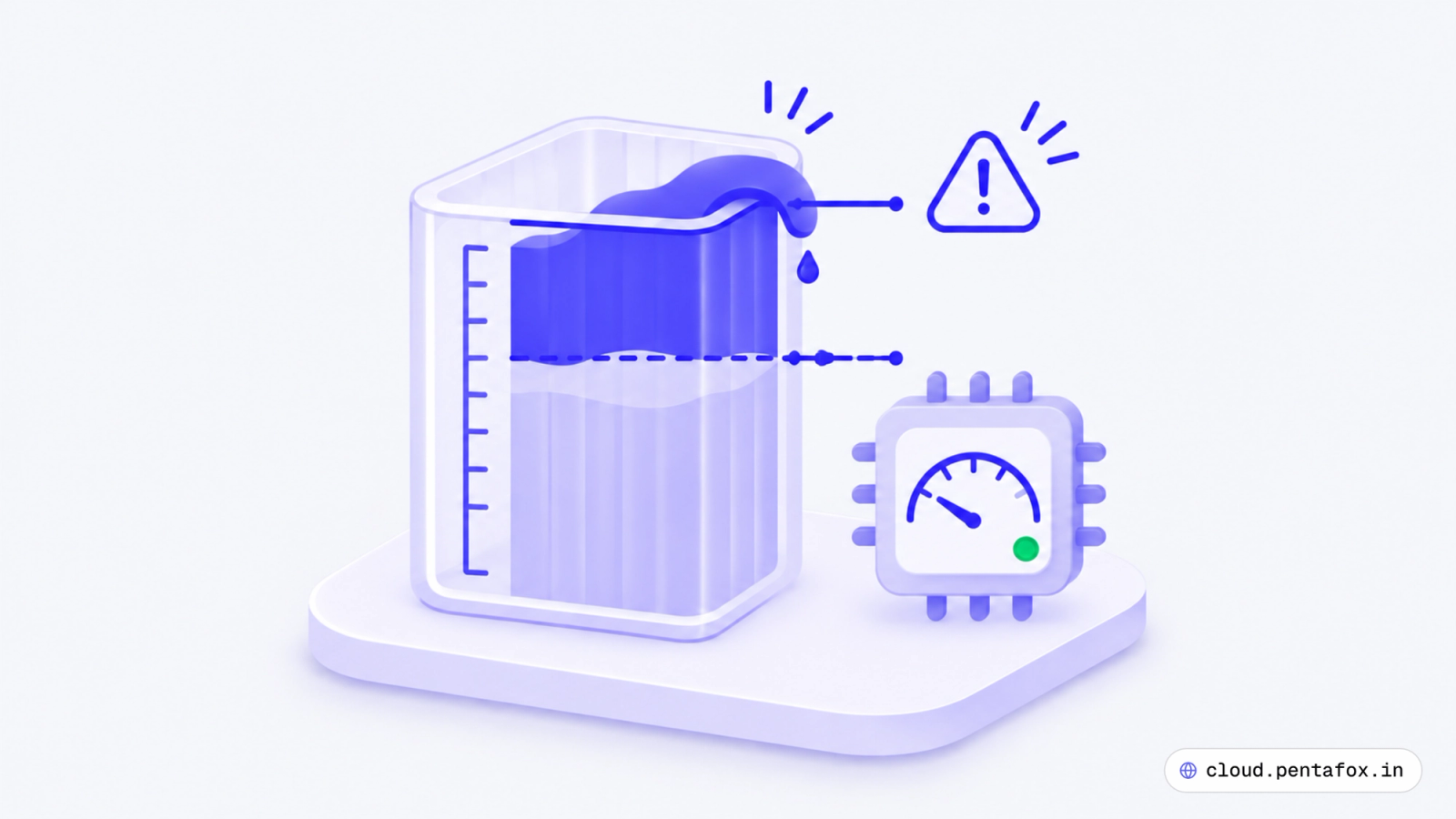
Alert fatigue is how real threats get missed. Use suppression rules for findings generated by approved activity, such as vulnerability scanners or penetration tests, and maintain trusted IP lists for known infrastructure.
Review suppression rules quarterly. A rule written for a scanner that has since been decommissioned can hide genuine attacks.
Keep costs predictable
GuardDuty pricing scales with the volume of data analysed and the protection plans enabled. Use the usage view in the GuardDuty console to see cost by account, data source and protection plan. High-volume sources, such as heavy S3 data activity or large container fleets, are worth reviewing to confirm the coverage matches the risk.
Quick checklist
- GuardDuty enabled in every Region and every account
- Delegated administrator configured with auto-enable for new accounts
- Protection plans enabled for critical workloads and data
- Findings aggregated in Security Hub
- EventBridge rules routing High and Critical findings to automated response
- Response runbooks defined for each severity level
- Suppression rules and trusted IP lists reviewed quarterly
- Usage and cost reviewed monthly
Conclusion
GuardDuty gives AWS environments continuous, managed threat detection with minimal operational overhead. But detection is only the first step. Organisations that get real value from it treat every finding as the start of a defined response path: centralised, prioritised and, wherever possible, automated.
CloudOps helps teams design GuardDuty deployments across multi-account environments, build automated response workflows and reduce alert noise so the findings that matter get acted on. Contact us for an AWS security review.