Key takeaways
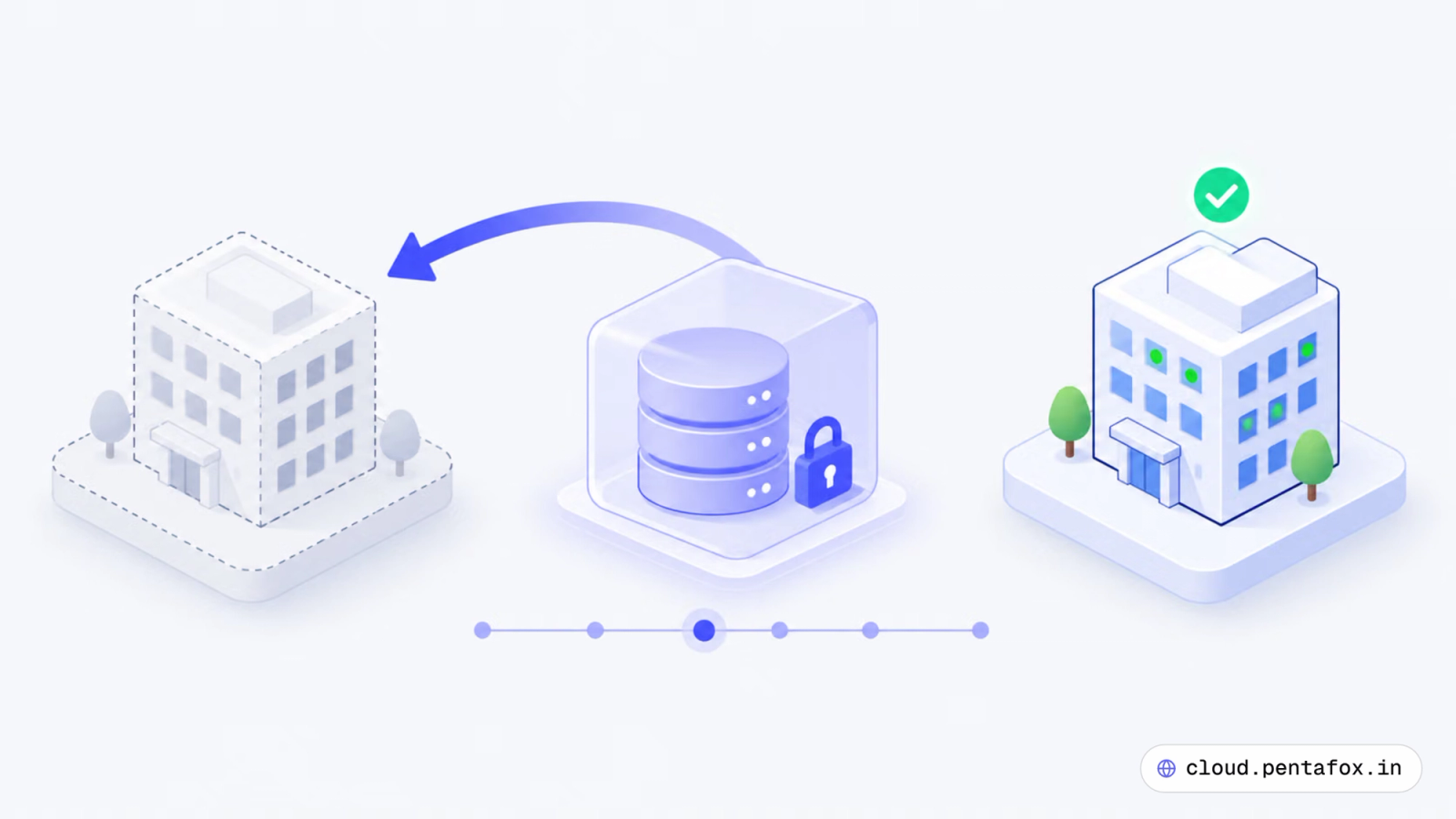
- A successful backup only proves data was copied. Recovery means restoring the whole application, including its data, configuration and connections, within an agreed time.
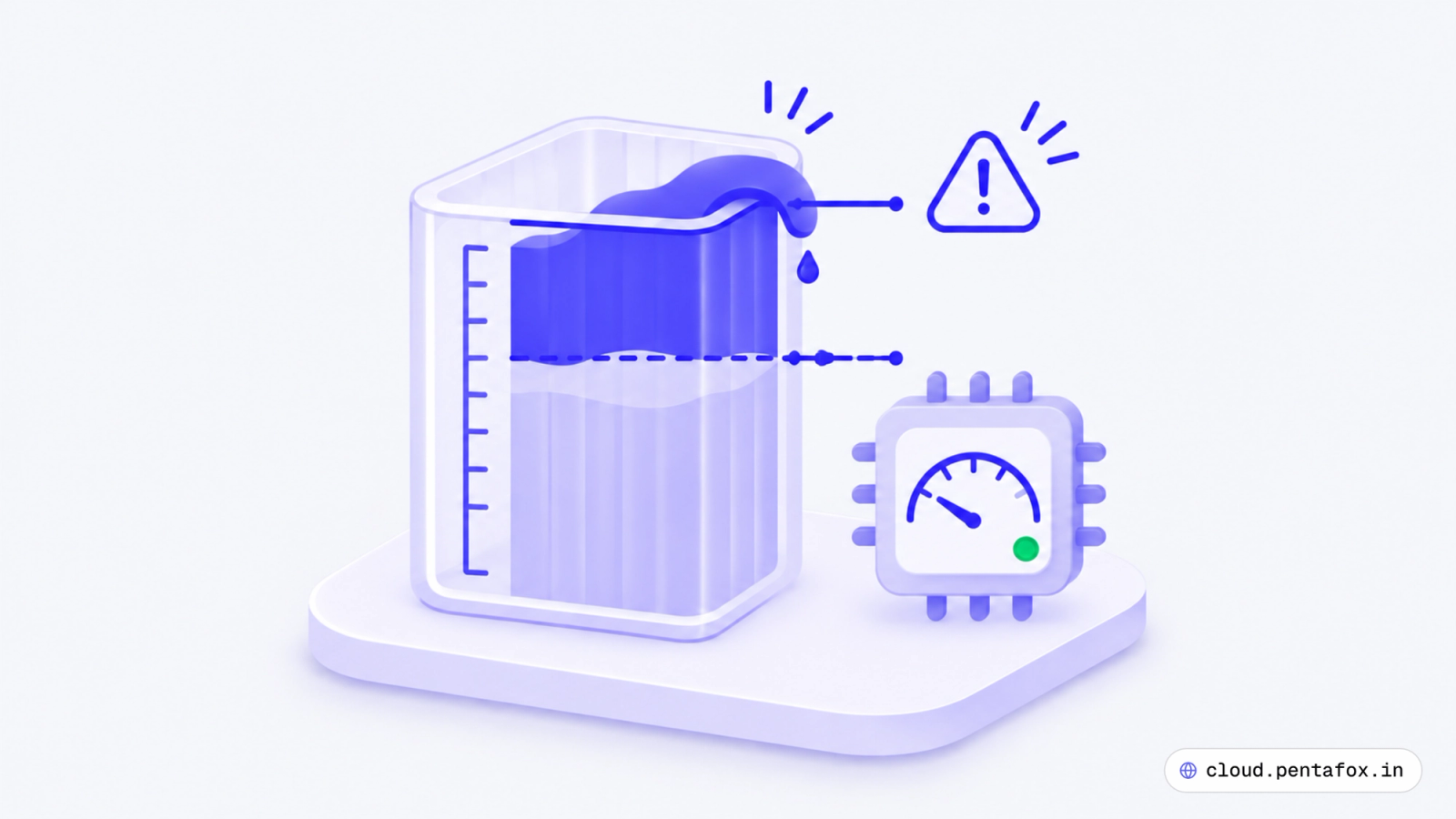
- RPO is how much data you can afford to lose, and RTO is how long you can afford to be down. Set both for each critical system.
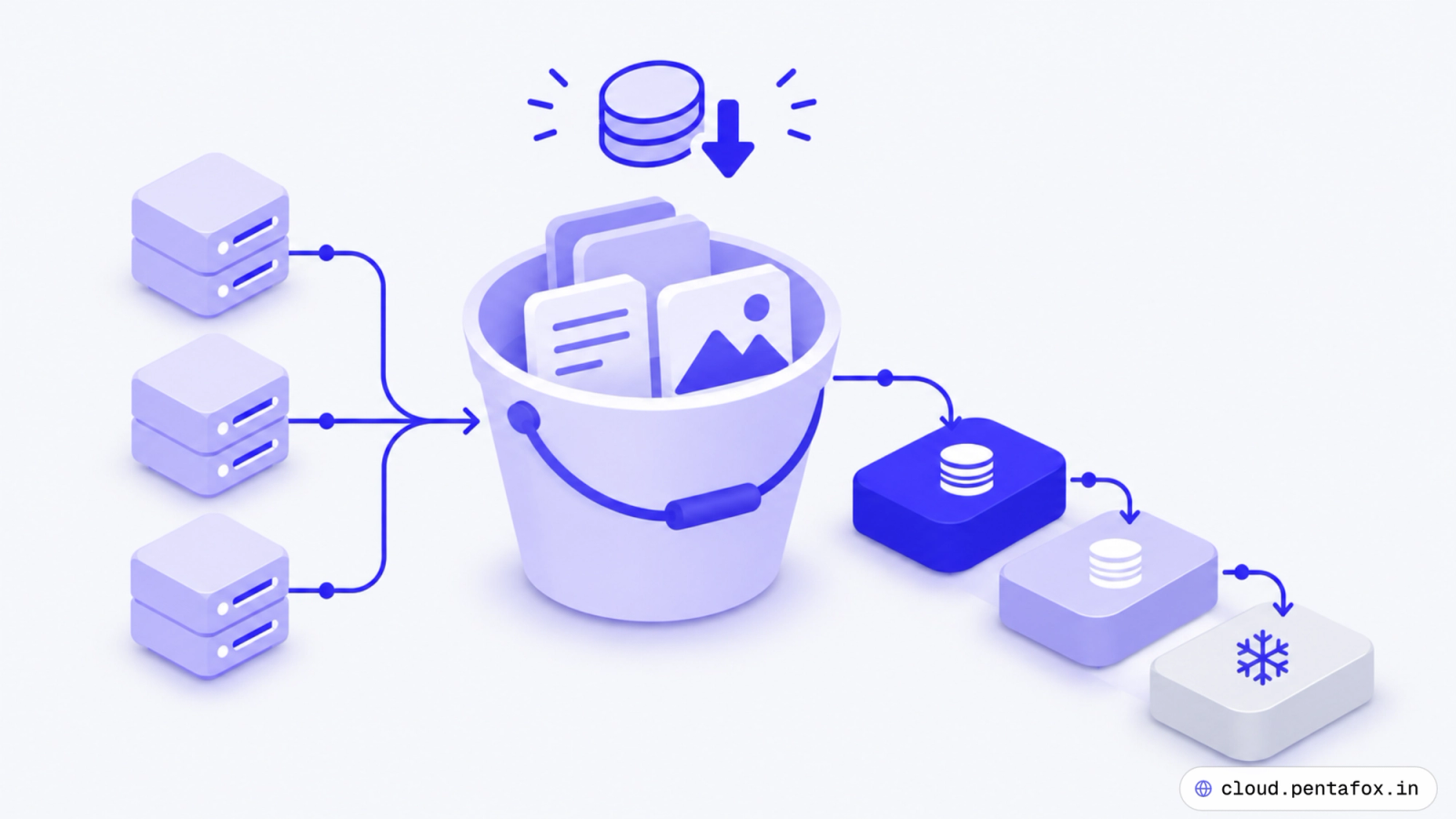
- AWS Backup centralises backup schedules, retention and copies across services such as EC2, EBS, RDS, DynamoDB, EFS and S3.
- Keep copies in a separate account or Region, and use immutable vaults so ransomware or a compromised account cannot delete them.
- Test restores regularly and time them. The measured time is your real RTO.
The dashboard says "completed". Is that enough?
A company's backup dashboard has shown green ticks every night for two years. Then a misconfigured deployment script deletes production resources. The team starts restoring and quickly runs into problems:
- The database restores, but the application servers' configuration was never backed up.
- The newest backup copy sits in the same account the incident affected.
- Nobody has ever timed a full restore, so nobody can tell leadership when the business will be back online.
The backups were running the whole time. The recovery plan was missing.
Backup vs. recovery: they're not the same thing
- A backup is a copy of data at a point in time.
- Recovery is getting the business working again: data, servers, configuration, networking, secrets, DNS and the people who know the steps.
Backups are only one part of recovery. Planning starts with two questions.
RPO and RTO: set the targets first
- Recovery Point Objective (RPO): the maximum amount of data you can afford to lose, measured in time. An RPO of 1 hour means backups or replication must capture changes at least hourly.
- Recovery Time Objective (RTO): the maximum time a system can be down before the business impact becomes unacceptable.
These are business decisions. An online checkout might need an RPO of minutes and an RTO of under an hour, while an internal reporting tool may be fine with a day of each. Set targets for each system based on its impact, not on what is easiest.
Automated backups with AWS Backup
AWS Backup lets you manage backups for many AWS services from one place, instead of configuring each service separately. It covers services such as Amazon EC2, Amazon EBS, Amazon RDS, Amazon Aurora, Amazon DynamoDB, Amazon EFS and Amazon S3.
It's built around three concepts:
- Backup plans define how often backups run and how long they are kept.
- Resource assignments choose what to back up, often by tag. For example, everything tagged backup=daily.
- Backup vaults store the recovery points and control who can access or delete them.
Tag-based assignment is especially useful. New resources are protected automatically as soon as they are tagged, so nothing gets forgotten.
Retention policies: how long is long enough?
Retention decides how far back you can recover. A good policy considers three things:
- How late problems are noticed. Data corruption or a deleted record may only be discovered weeks later. If you keep backups for 7 days and notice the problem on day 10, you have nothing to restore.
- Compliance requirements. Some industries must keep data for months or years.
- Cost. Longer retention means more storage, so use lifecycle rules to move older backups to lower cost cold storage where the service supports it.
A common pattern is daily backups kept for a few weeks, plus monthly backups kept for a longer period. Base the exact numbers on your own requirements.
Protect the backups themselves
If an attacker or a faulty script can delete your backups, they aren't protecting you. Three controls help:
- Cross account copies: copy backups to a separate AWS account with tightly limited access, so a compromise in production can't reach them.
- Cross Region copies: keep copies in another Region to survive a regional outage.
- Immutable backups: AWS Backup Vault Lock can prevent recovery points from being deleted or altered during their retention period, even by administrators. Logically air gapped vaults add further isolation.
Recovery testing: the step most teams skip
Restore testing is the only way to know your recovery plan works. AWS Backup includes a restore testing feature that can run scheduled test restores automatically. For critical systems, also practise a full application recovery:
- Restore the data into an isolated environment.
- Rebuild the application around it: servers, configuration, secrets and network settings. Infrastructure as code, such as AWS CloudFormation or Terraform, makes this repeatable.
- Verify that the application works, logins succeed and recent data is present.
- Time the whole process. Compare it with your RTO.
- Record what went wrong and update the runbook.
Run tests regularly, for example quarterly, and after major architecture changes.
Strategies for minimising downtime
When backup and restore can't meet your RTO, the AWS Well Architected Framework describres four disaster recovery strategies. Each step is faster to recover but costs more to run:
- Backup and restore: restore from backups when needed. This is the lowest cost, with an RTO typically measured in hours.
- Pilot light: core data is replicated to a recovery Region, while application servers stay off until needed.
- Warm standby: a scaled down but fully working copy runs in the recovery Region, ready to scale up.
- Multi site active/active: full workloads run in more than one Region at once, giving the fastest recovery at the highest cost.
AWS Elastic Disaster Recovery can help by continuously replicating servers to a recovery Region for fast failover. Within a single Region, Multi AZ deployments protect against the failure of one data centre.
Choose the strategy that meets each system's RTO and RPO. Not every workload needs the most expensive option.
Quick checklist
- RPO and RTO defined for each critical system
- AWS Backup plans assigned by tags, so new resources are covered automatically
- Retention long enough to catch problems that are noticed late
- Backup copies in a separate account and Region
- Vault Lock or air gapped vaults for critical backups
- Infrastructure as code to rebuild the application, not just restore its data
- Restore tests that are scheduled, timed and documented
- A disaster recovery strategy matched to each workload's targets
- Alerts on failed backups and on changes to backup policies
Conclusion
Backups that run every night are a good start, but they don't answer the question that matters during an outage: how fast can the business be working again, and how much will we lose? Set RPO and RTO, protect your backups from deletion, test full recoveries, and choose a disaster recovery strategy that matches each system's importance.
Want to know whether your business could really recover? The Pentafox Cloud team helps organisations design, test and improve backup and disaster recovery on AWS. Get in touch for a recovery readiness review.