Key takeaways
- An Application Load Balancer (ALB) spreads HTTP traffic across servers and containers. Amazon API Gateway manages APIs, with authentication, throttling and usage controls.
- ALB is usually the better fit for web applications and container services with steady, high traffic, because it is billed by time and capacity rather than per request.
- API Gateway is usually the better fit for serverless and public APIs that need API keys, rate limiting, request validation or per-client controls.
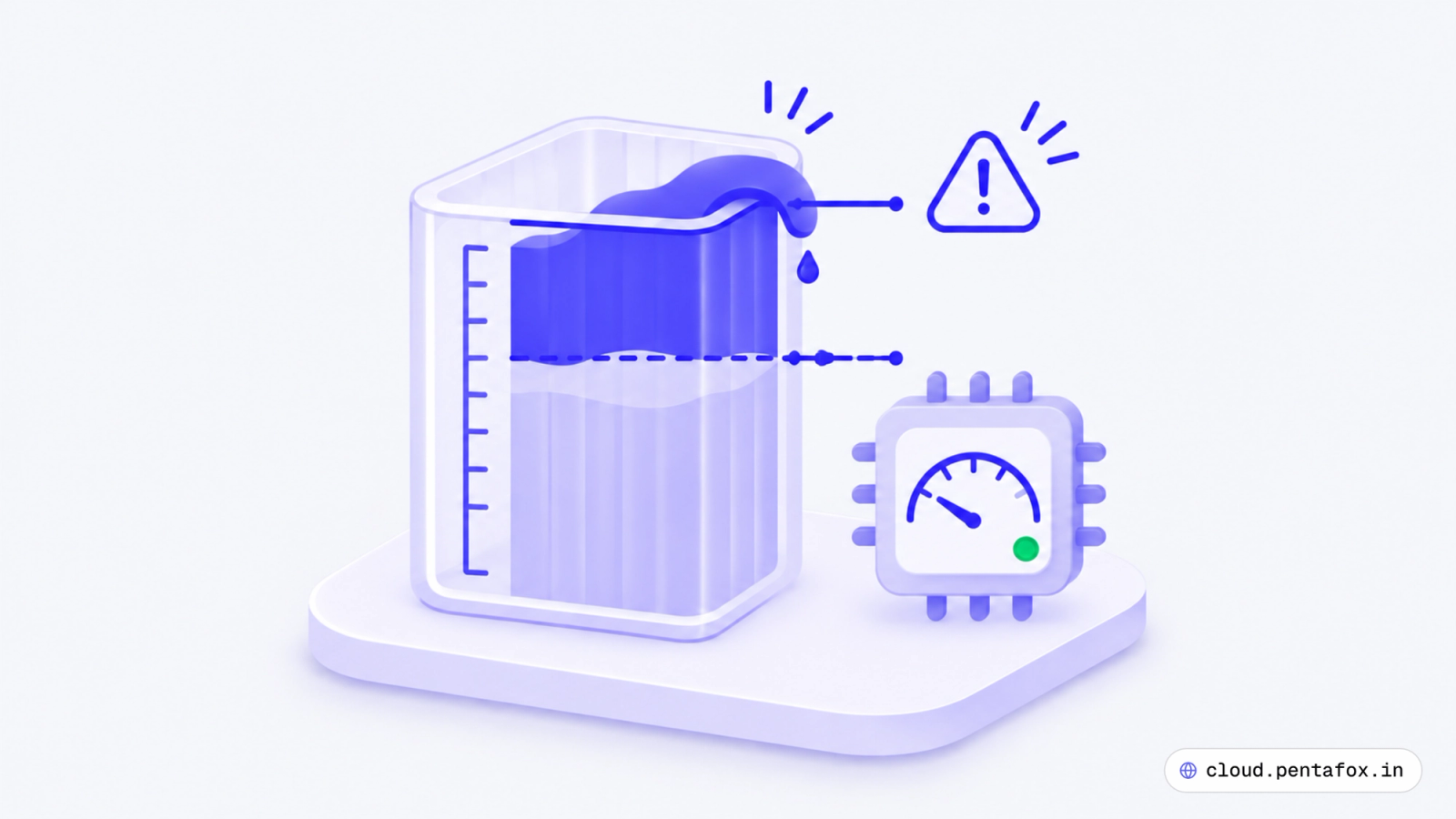
- API Gateway charges per request, so it can become expensive at very high, steady volumes.
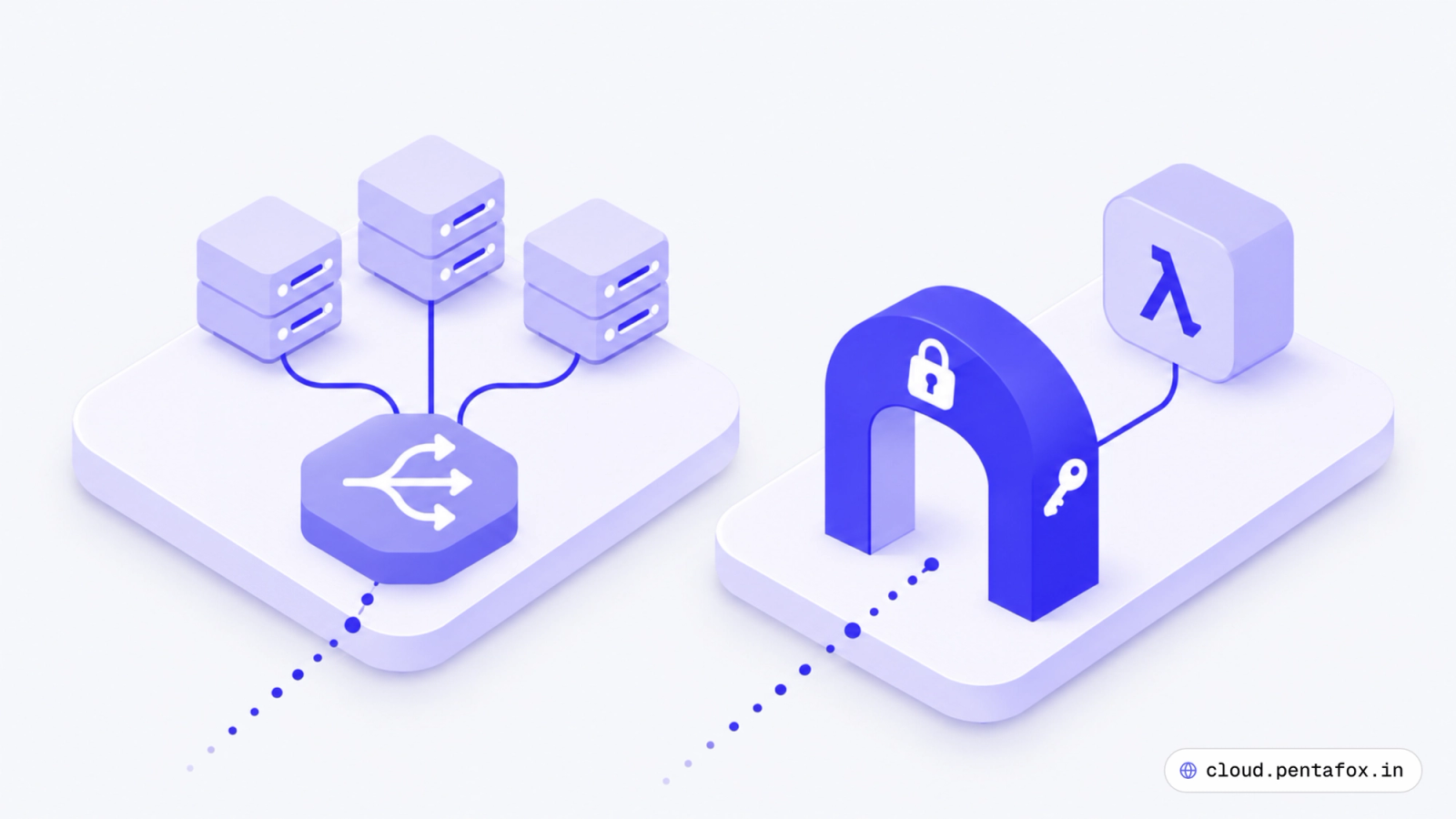
- You can combine both: API Gateway at the edge for API management, privately connected to an internal ALB in front of your services.
Two front doors, two different jobs
When you put an application on AWS, something has to receive requests from users and pass them to your code. Two services often compete for that job:
- Application Load Balancer (ALB): a Layer 7 load balancer that distributes HTTP and HTTPS traffic across EC2 instances, ECS tasks, IP addresses or Lambda functions.
- Amazon API Gateway: a fully managed service for creating, publishing, securing and monitoring APIs.
They look similar because both route HTTP requests. But an ALB is built to spread traffic, and API Gateway is built to manage APIs.
What an Application Load Balancer does best
Benefits
- Smart routing: routes by path (/api, /images), host name, headers or query strings to different target groups.
- Health checks: sends traffic only to healthy targets and removes failing ones automatically.
- Works naturally with containers: integrates closely with Amazon ECS and EKS, including dynamic port mapping.
- Long-lived connections: supports WebSockets and gRPC, and the idle timeout can be raised for long requests.
- Security: integrates with AWS WAF and can authenticate users through Amazon Cognito or any OIDC identity provider before requests reach your app.
- Predictable cost at scale: billed per hour plus Load Balancer Capacity Units (LCUs), not per individual request.
Limitations
- No built-in API keys, usage plans or per-client rate limiting
- No request validation or request and response transformation
- No response caching
- Lambda targets have smaller request and response size limits than other targets
- You pay the hourly charge even when there is no traffic
What API Gateway does best
Benefits
- API management: API keys, usage plans and per-client throttling (on REST APIs).
- Built-in security: IAM authorization, Amazon Cognito, JWT authorizers (on HTTP APIs), Lambda authorizers and AWS WAF (on REST APIs).
- Request handling: request validation, data transformation and response caching (on REST APIs).
- Serverless-friendly: connects directly to Lambda and many other AWS services without servers in between.
- Pay per request: no charge when there is no traffic, which suits low or unpredictable workloads.
- Developer features: stages, versioning, custom domains and WebSocket APIs.
Limitations
- Timeouts: the default integration timeout is 29 seconds. Regional and private REST APIs can raise it through a quota increase, but HTTP APIs cannot.
- Payload size: requests and responses are limited, so it isn't suited to large file uploads. Use Amazon S3 pre-signed URLs for those.
- Cost at high volume: per-request pricing can cost much more than an ALB for very high, steady traffic.
- Throttling quotas: account-level request limits apply per Region and may need raising for large workloads.
Side-by-side comparison
Main purpose
- ALB: distributing traffic across servers and containers
- API Gateway: publishing, securing and managing APIs
Typical backends
- ALB: EC2, ECS, EKS, IP addresses, Lambda
- API Gateway: Lambda, AWS services, HTTP endpoints, private services through a VPC link
API keys and per-client throttling
- ALB: no
- API Gateway: yes, on REST APIs
Pricing model
- ALB: per hour plus capacity units
- API Gateway: per request plus data transfer
Long or streaming connections
- ALB: yes, with WebSockets, gRPC and configurable idle timeout
- API Gateway: limited by integration timeouts. WebSocket APIs are a separate API type.
Cost when idle
- ALB: the hourly charge still applies
- API Gateway: no request charges
Where to use which
Choose an ALB when:
- You run a web application or website on EC2, ECS or EKS
- Traffic is high and steady, so per-request pricing would be expensive
- You need WebSockets, gRPC or long-running requests
- You simply need routing and health checks across many targets
Choose API Gateway when:
- You are building serverless APIs with AWS Lambda
- You publish APIs to partners or customers who need API keys and usage limits
- You need request validation, caching or per-client throttling
- Traffic is low or unpredictable and you want to pay only for requests
Using both together
You don't always have to choose. A common pattern is:
Clients → API Gateway → VPC link → internal ALB → ECS or EC2 services
API Gateway handles authentication, throttling and API keys at the front, while the internal ALB, which isn't exposed to the internet, distributes traffic to your containers.
Since November 2025, API Gateway REST APIs can connect privately to an ALB directly through VPC link v2. Previously, REST APIs needed a Network Load Balancer in between. HTTP APIs already supported private ALB integration. This makes the combined pattern simpler and cheaper.
Quick decision guide
- Do you need API keys, usage plans or per-client limits? Choose API Gateway (REST).
- Is it a website or container-based app with heavy, steady traffic? Choose an ALB.
- Is it a serverless Lambda API with variable traffic? Choose API Gateway.
- Do you need WebSockets, gRPC or requests longer than about 30 seconds? An ALB is usually simpler.
- Do you need both API management and container load balancing? Put API Gateway in front of an internal ALB.
Conclusion
ALB and API Gateway are not competitors so much as tools for different jobs. Use an ALB to spread traffic efficiently across your servers and containers. Use API Gateway when your API needs to be managed, secured and metered. When you need both, connect them, and let each do what it does best.
Not sure which front door fits your application? The Pentafox Cloud team helps businesses design API and application architectures on AWS. Get in touch for an architecture review.