Key takeaways
- Auto scaling helps, but most applications break first at a bottleneck that does not scale automatically, such as the database, a third-party API or a cloud quota.
- Load testing with realistic traffic is the only reliable way to find your breaking point before customers do.
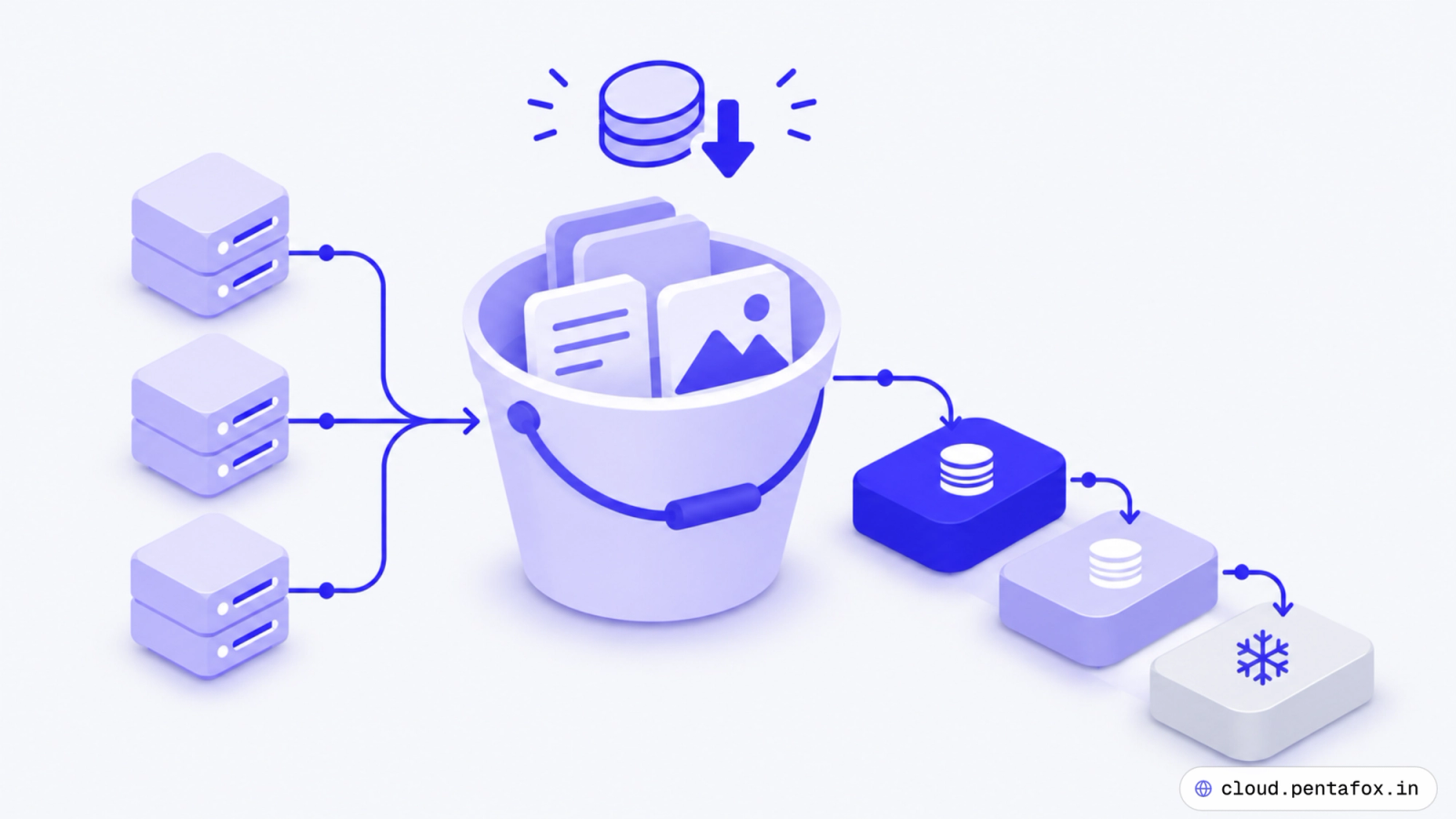
- A CDN and an in-memory cache can take a large share of load off your servers and database.
- Read replicas spread database read traffic, but writes still go to the primary database.
- Check cloud service quotas well before launch, because limit increases can take time to approve.
The best day for your business can be the worst day for your app
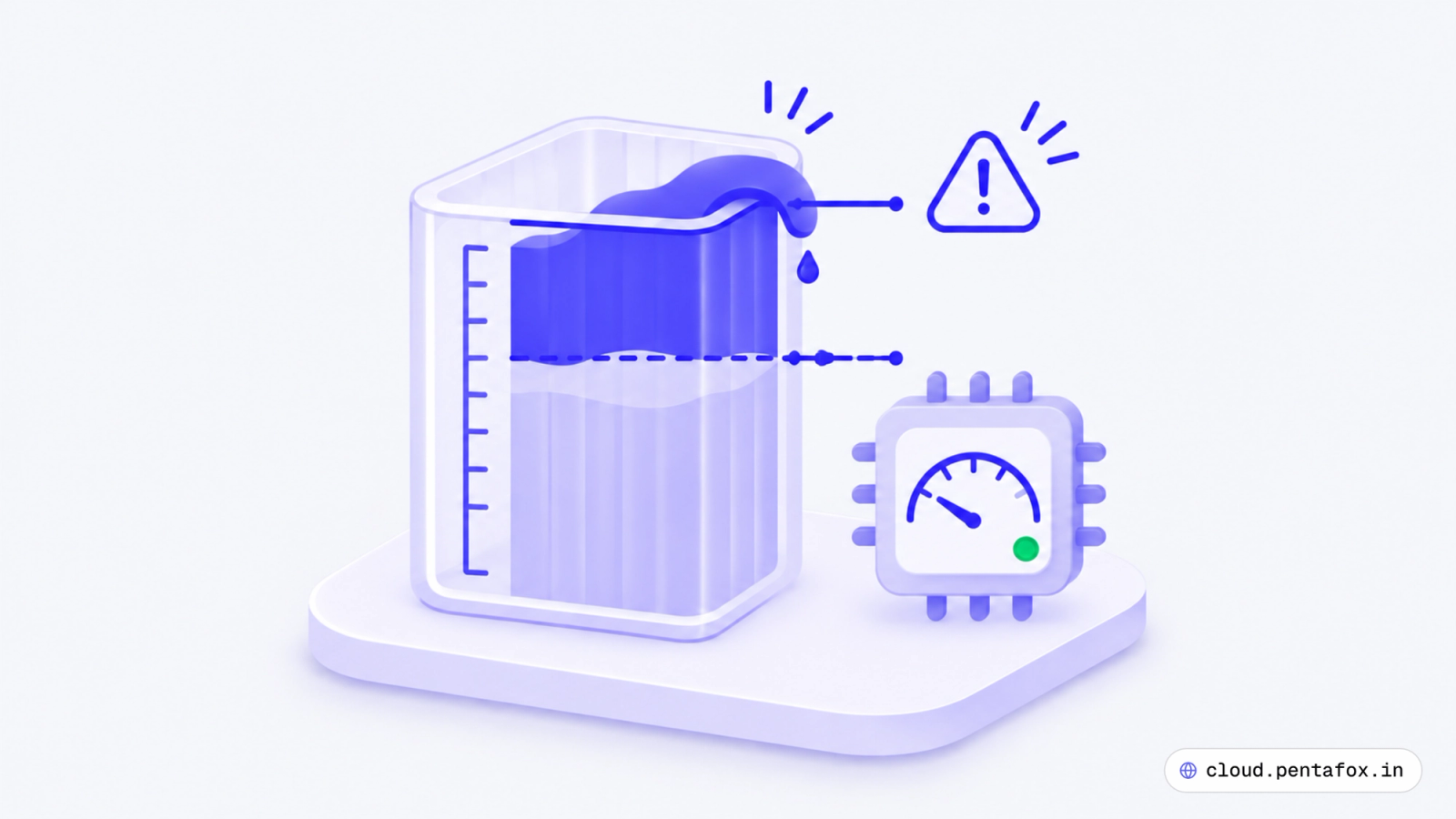
A marketing campaign works better than anyone expected. By 10 AM, traffic is ten times the normal level. Auto scaling adds servers as designed, yet the site still slows to a crawl and checkout fails.
The servers weren't the problem. The database ran out of connections, a payment API began rate-limiting requests, and the account hit a limit on how many new instances it could launch.
Scaling isn't only about adding servers. It's about finding the part of your system that breaks first, whichever cloud you run on.
Why "we have auto scaling" isn't enough
Auto scaling adds compute capacity, but it can't fix everything:
- Databases usually can't scale writes instantly, and connection limits are reached quickly when hundreds of new servers connect at once.
- Third-party APIs for payments, email or search have their own rate limits.
- Cloud quotas cap how many instances, IP addresses or other resources your account can create.
- Startup time matters. If new servers take several minutes to become ready, a sudden spike arrives before they do.
- Shared resources such as caches, queues and file storage have limits of their own.
The only way to know where your limits are is to test them.
Step 1: Load test before customers test for you
Load testing sends simulated traffic to your application to see how it behaves under pressure. Open-source tools such as k6, Apache JMeter, Locust and Gatling work on any cloud, and some providers offer managed load testing services.
To get useful results:
- Test a production-like environment with realistic data volumes, not an empty test database.
- Simulate real user journeys, such as browsing, searching, logging in and checking out, not just the homepage.
- Ramp up gradually, for example from 1x to 3x, 5x and 10x your normal traffic, and note where performance starts to fall.
- Include a sudden spike test, because real surges rarely build up slowly.
- Watch the whole system: latency, error rate, database connections, cache hit rate, queue depth and dependency errors.
Make sure third-party providers allow load tests against their services, or replace them with test stubs, so you don't trigger their rate limits or fraud protection.
Step 2: Find the bottleneck, fix it, test again
When performance drops, find the first resource to max out. Common culprits are:
- Database: slow queries, missing indexes, connection pool exhaustion or lock contention
- Application: blocked worker threads, memory pressure or chatty calls between services
- Dependencies: slow or rate-limited external APIs
- Infrastructure: slow scaling, an undersized load balancer configuration or quota limits
Fix the biggest bottleneck, then test again. Removing one bottleneck often reveals the next one.
Step 3: Cache everything that doesn't need to be fresh
The cheapest request is the one your servers never handle. There are two caching layers.
Content delivery network (CDN) caches images, scripts, stylesheets and even some pages at locations close to users:
- AWS: Amazon CloudFront
- Azure: Azure Front Door
- Google Cloud: Cloud CDN
In-memory cache stores frequently read data, such as product details, sessions or query results, so the database isn't asked the same question thousands of times:
- AWS: Amazon ElastiCache, with Valkey, Redis OSS or Memcached
- Azure: Azure Managed Redis
- Google Cloud: Memorystore
Plan how cached data expires and refreshes. Make sure a cache failure doesn't send every request straight to the database at once, a problem known as a cache stampede.
Step 4: Spread database reads with read replicas
Most applications read far more than they write. Read replicas are copies of your database that serve read-only queries, taking that load off the primary:
- AWS: Amazon RDS and Aurora read replicas
- Azure: read replicas for Azure Database for PostgreSQL and MySQL
- Google Cloud: Cloud SQL read replicas
Keep two limits in mind:
- Writes still go to the primary. Write-heavy workloads may need query tuning, queues to smooth bursts, or a larger primary database.
- Replicas can lag slightly. Send reads that must be up to date, such as "show my order right after I placed it", to the primary.
Also use connection pooling, for example Amazon RDS Proxy, PgBouncer or a built-in pooler, so new servers don't overwhelm the database with connections.
Step 5: Check cloud quotas early
Every cloud account has quotas (limits) on resources such as virtual CPUs, instances, IP addresses and load balancers. Hitting one in the middle of a traffic spike stops scaling completely.
- AWS: Service Quotas
- Azure: subscription quotas, found under Quotas in the portal
- Google Cloud: Cloud Quotas
Check them against the capacity your load test showed you need, and request increases weeks before launch, because approval isn't always instant. Don't forget limits set by third parties, such as payment or email providers.
Step 6: Protect the core when things get busy
Even well-prepared systems can be overwhelmed. Plan ahead how your application will degrade gracefully:
- Queue non-urgent work, such as emails and reports, instead of processing it during the request.
- Rate-limit abusive or excessive traffic at the edge with a web application firewall.
- Use feature switches to turn off heavy, non-essential features, such as recommendations, during peaks.
- Pre-scale before known events instead of relying only on reactive auto scaling.
Pre-launch readiness checklist
- Load tests run at 10x normal traffic, including a sudden spike
- The top bottlenecks found, fixed and retested
- CDN caching enabled for static and cacheable content
- In-memory cache for frequently read data, with a plan for cache failure
- Read replicas and connection pooling for the database
- Auto scaling tested, with startup time measured
- Cloud quotas checked and increases approved
- Third-party rate limits confirmed with providers
- Non-urgent work moved to queues
- Dashboards and alerts ready for latency, errors and database load
- Capacity pre-scaled before the known event
- A rollback and incident plan ready, with the team on standby
Conclusion
Whether you run on AWS, Azure or Google Cloud, being ready for 10x traffic isn't about buying bigger servers. It's about knowing where your system breaks and fixing that point before launch day. Load test realistically, cache aggressively, protect your database, check quotas early, and plan for graceful degradation. Then a traffic spike becomes a celebration, not an incident.
Preparing for a big launch or seasonal peak? The Pentafox Cloud team helps businesses load test, find bottlenecks and scale architectures on AWS, Azure and Google Cloud. Get in touch for a scalability readiness review.